
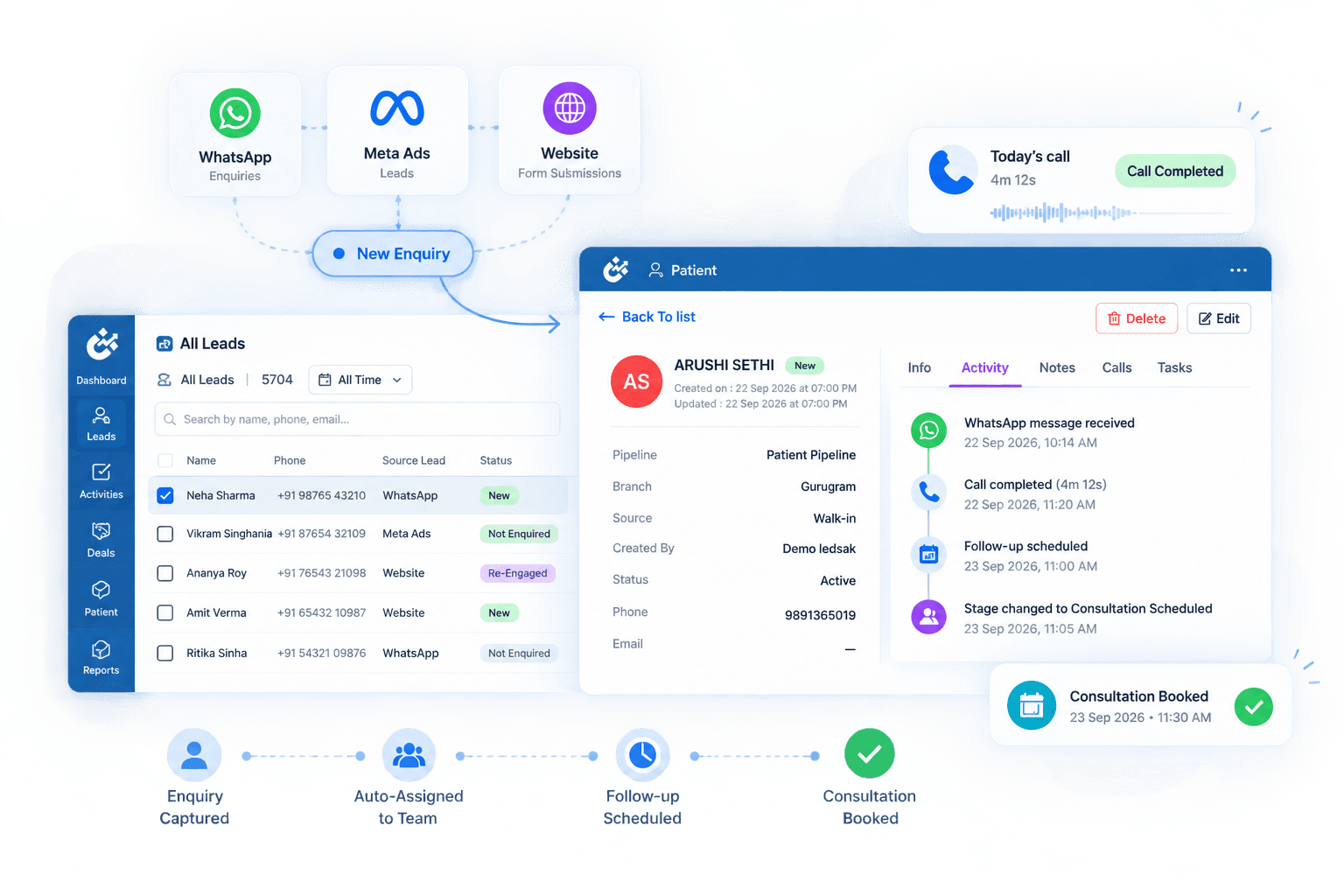









Connect Every Patient Call With Context
Patient calls often contain important details about enquiries, appointment intent, questions, and next actions. When calls remain separate from the patient journey, teams may need to search across systems before continuing the conversation.
LEDSAK AI-Powered Call Center Integration connects supported calling tools with patient enquiry records, helping teams keep call activity, AI-generated summaries, and follow-up context together.
Features of AI-Powered Call Center Integration
- AI Call Summaries
- AI Call Analysis
- Call History
- IVR Integration
- Patient Call Context
- Callback Management
- Call Activity Tracking
- Patient Enquiry Linking
- Calling Tool Integration
- Follow-Up Actions
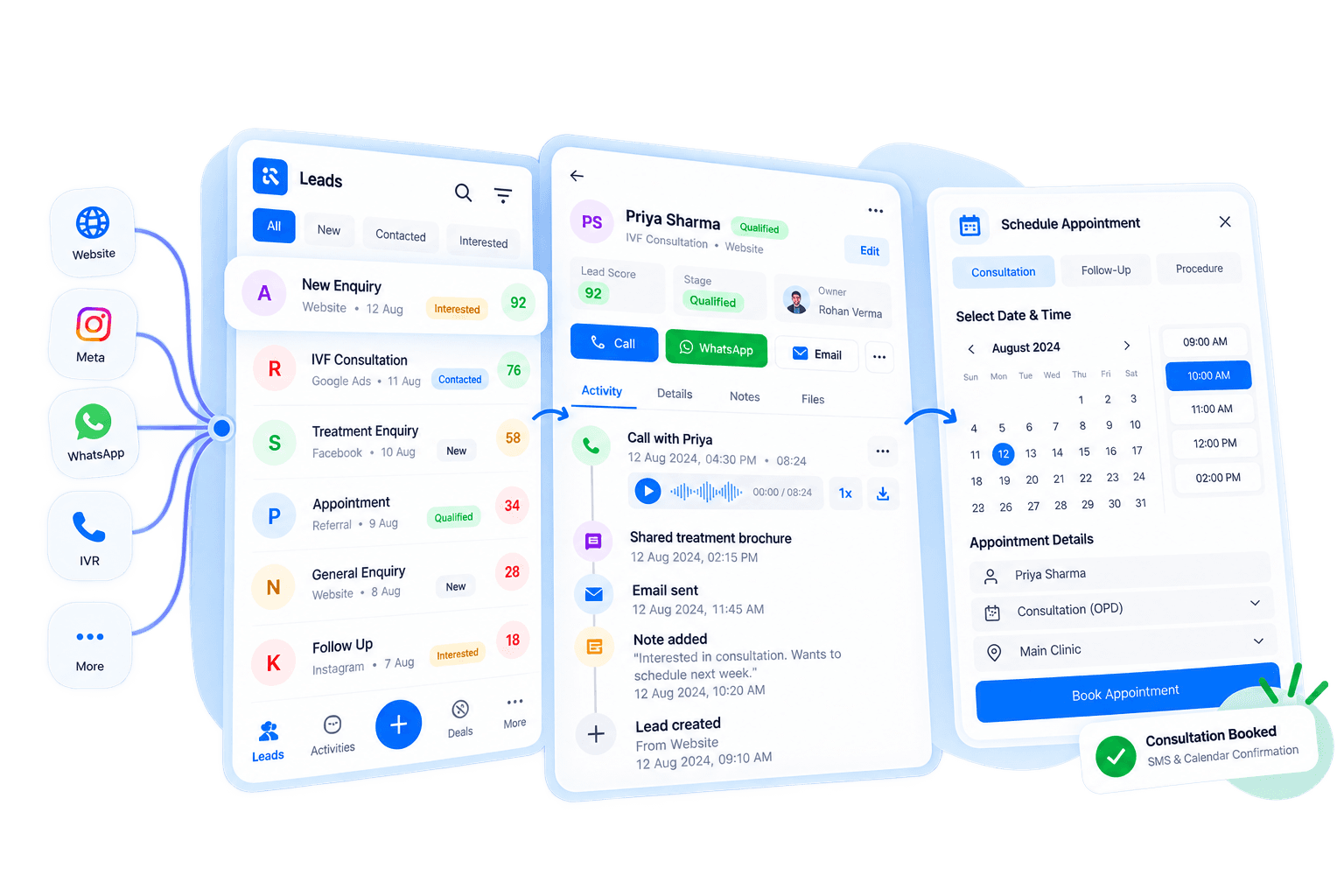
AI Call Center Integration: How It Works
Connect calling activity with the wider patient communication journey.
Connect Your Calling System
Integrate supported telephony and IVR tools with LEDSAK.
Link Calls to Patients
Keep relevant call activity connected with the corresponding patient enquiry.
Generate AI Call Summaries
Use AI to turn supported patient calls into concise written summaries.
Continue the Next Action
Use the available call context to plan callbacks, follow-ups, or other patient communication.
Connect Calls With Patient Enquiries
Keep call activity associated with the patient enquiry instead of managing telephony as a completely separate communication system.
Patient Call Integration
Connect supported calling tools so teams can access relevant call information alongside the patient journey.
- Calling System Integration
- Patient Record Connection
- Call Activity Linking
- Connected Communication
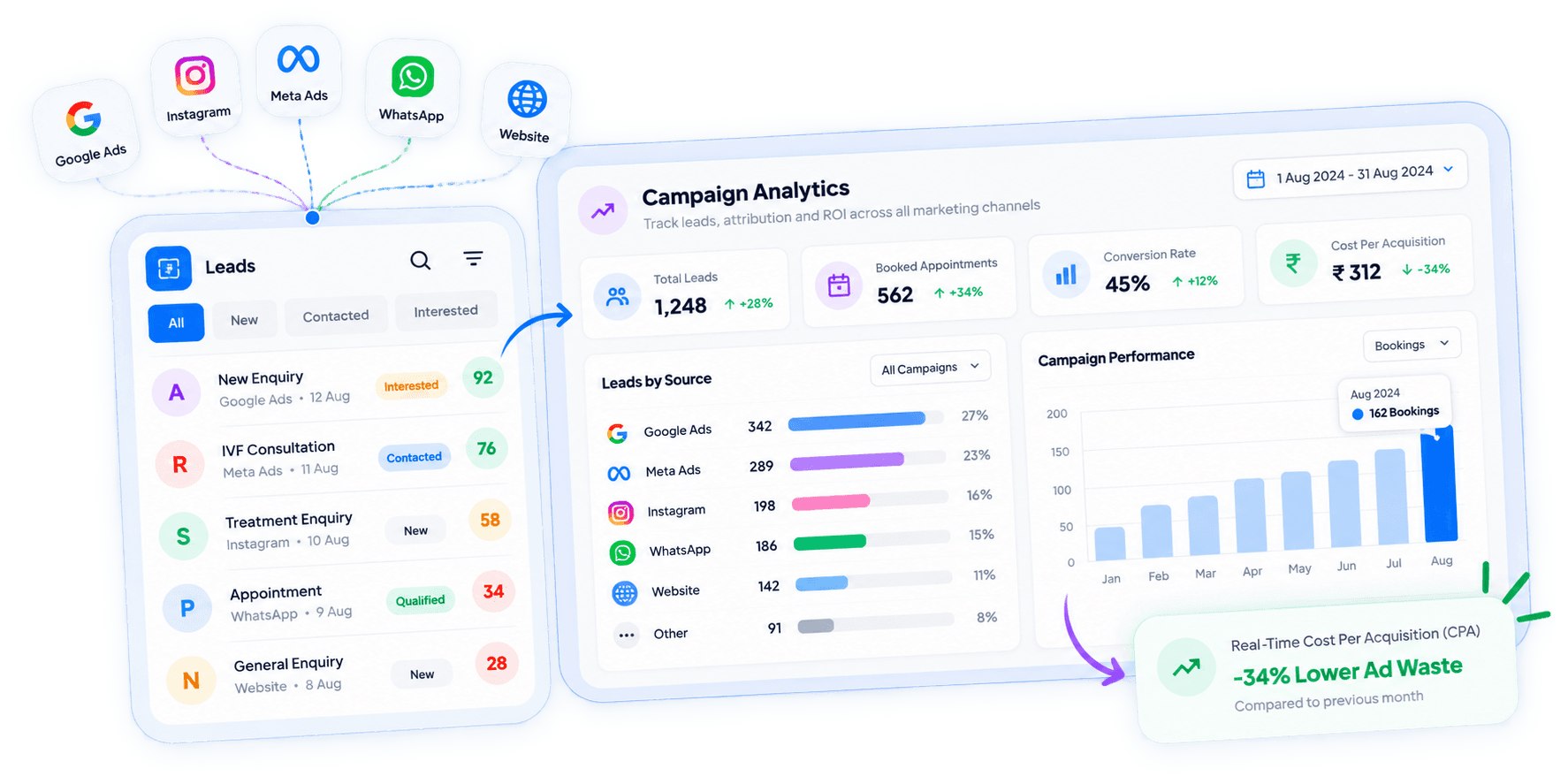
Understand Patient Calls Without Replaying Everything
Long patient conversations can take additional time to review, especially when another team member needs context before calling back.
LEDSAK can generate concise summaries from supported patient calls, helping teams quickly understand what was discussed.
- Conversation Summaries
- Key Discussion Context
- Written Call Overview
- Faster Call Review
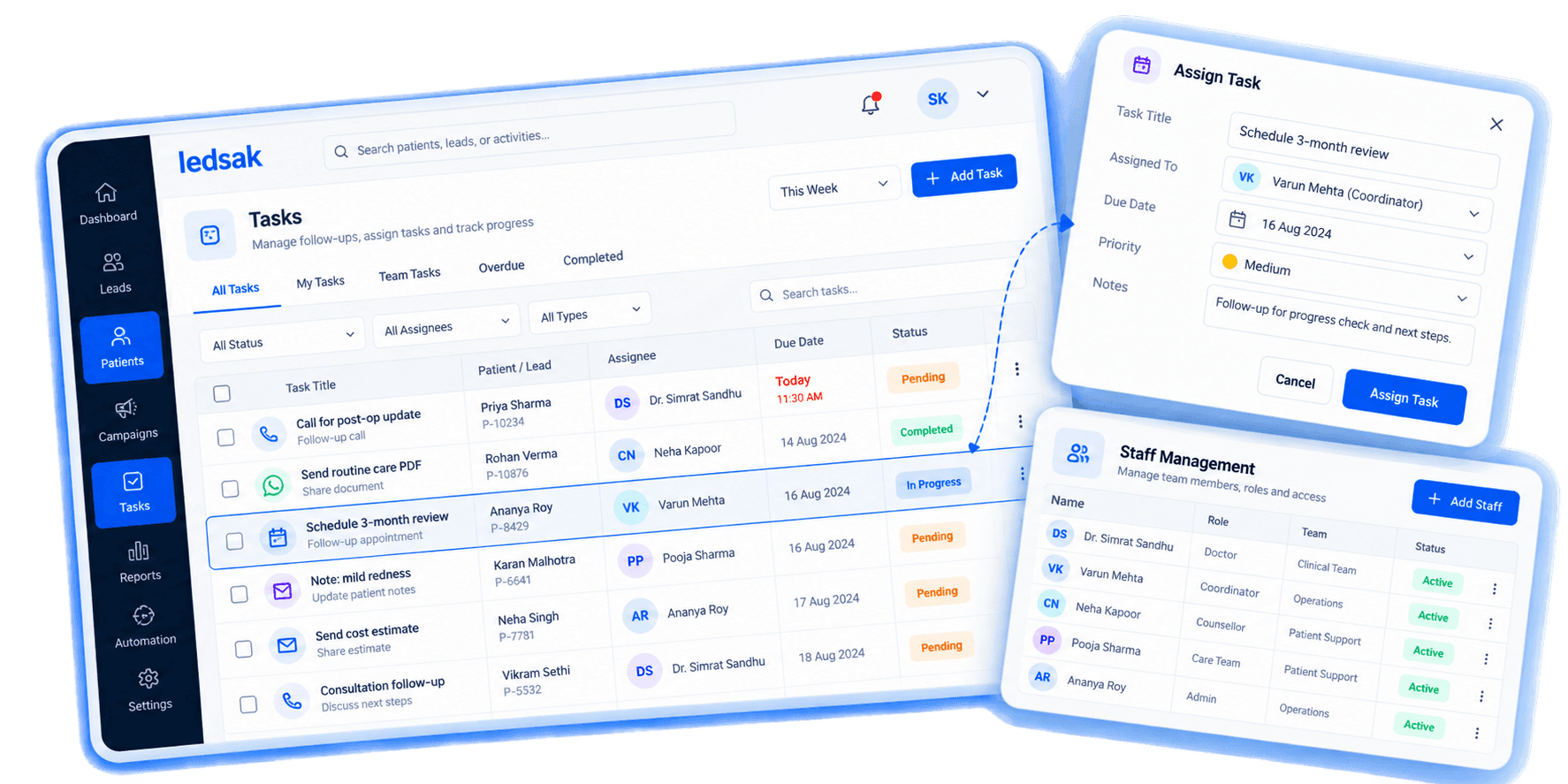
Keep Previous Patient Calls Easy to Review
A returning patient or enquiry may speak with different coordinators across multiple conversations.
Maintain relevant previous call activity so the next team member can understand earlier conversations before contacting the patient.
- Previous Call Records
- Conversation History
- Call Timeline
- Patient Communication Context

Connect IVR Activity With Patient Records
IVR calls should remain connected with the patient enquiry rather than sitting separately inside the calling system.
Connect supported IVR activity with patient records to create better continuity between calls and follow-up work.
- IVR Call Connection
- Patient Enquiry Mapping
- Call Record Linking
- Follow-Up Context
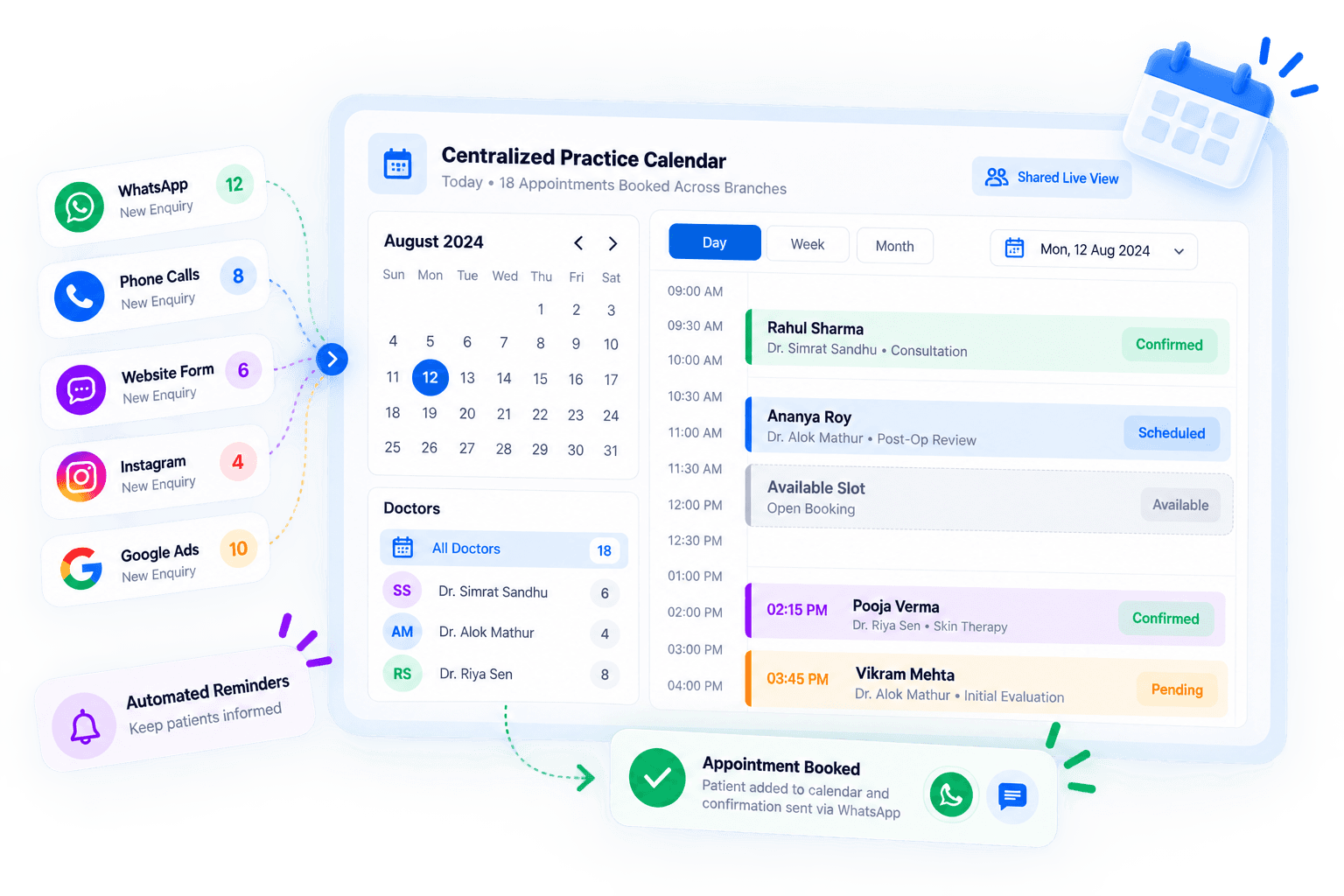
Keep Patient Callbacks From Getting Lost
A patient may ask to be contacted later, or a team member may need to continue the conversation after the initial call.
Turn callback requirements into visible follow-up activities so the appropriate team member knows what needs to happen next.
- Callback Tasks
- Due Follow-Ups
- Assigned Actions
- Pending Call Visibility
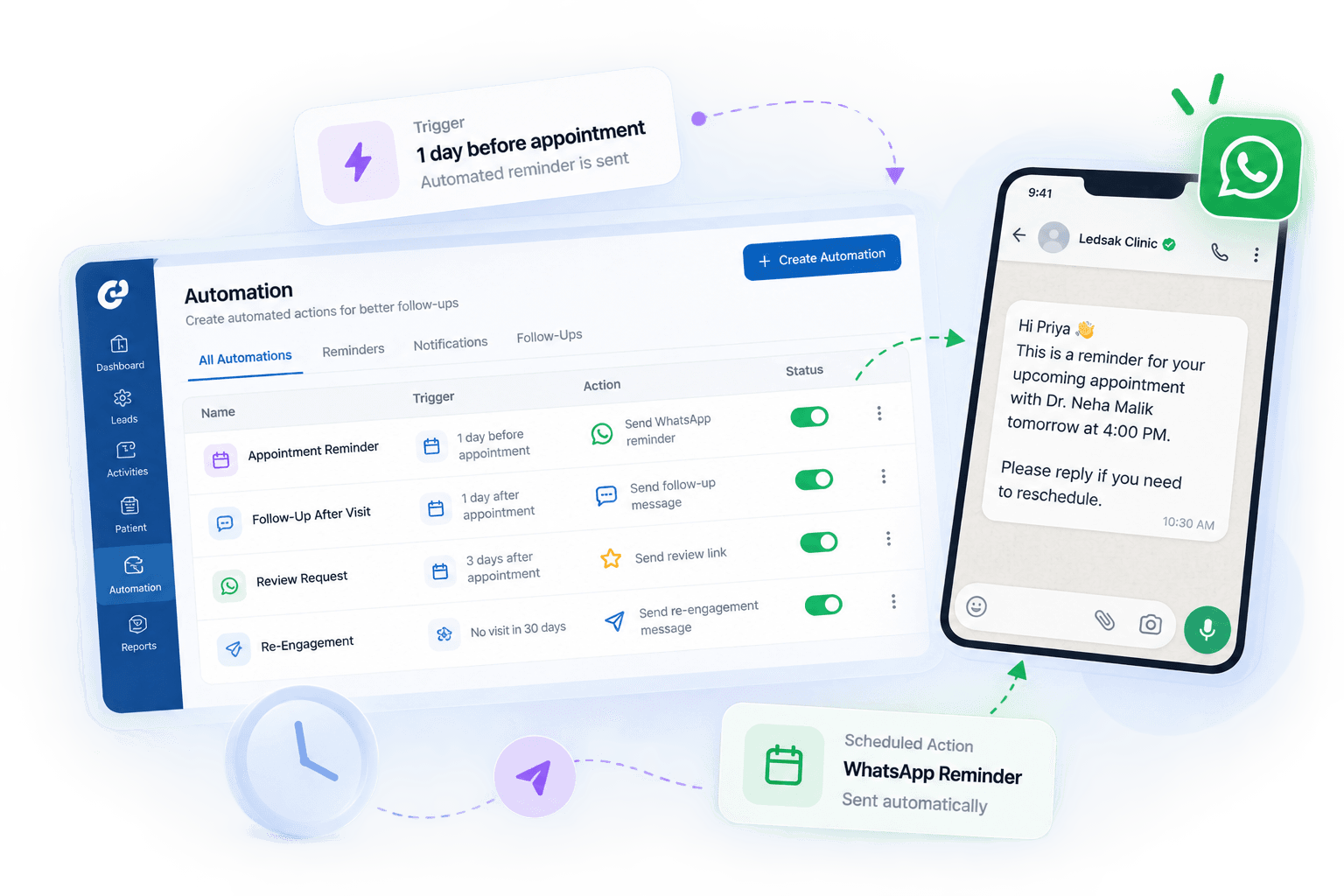
Get Better Visibility Into Patient Conversations
Managers may need to understand how patient enquiries are being handled without manually reviewing every conversation from the beginning.
Use supported AI call analysis to review patient conversations and understand how calls are being handled across the team.
- Call Conversation Analysis
- Patient Interaction Review
- Manager Visibility
- Call Quality Insights
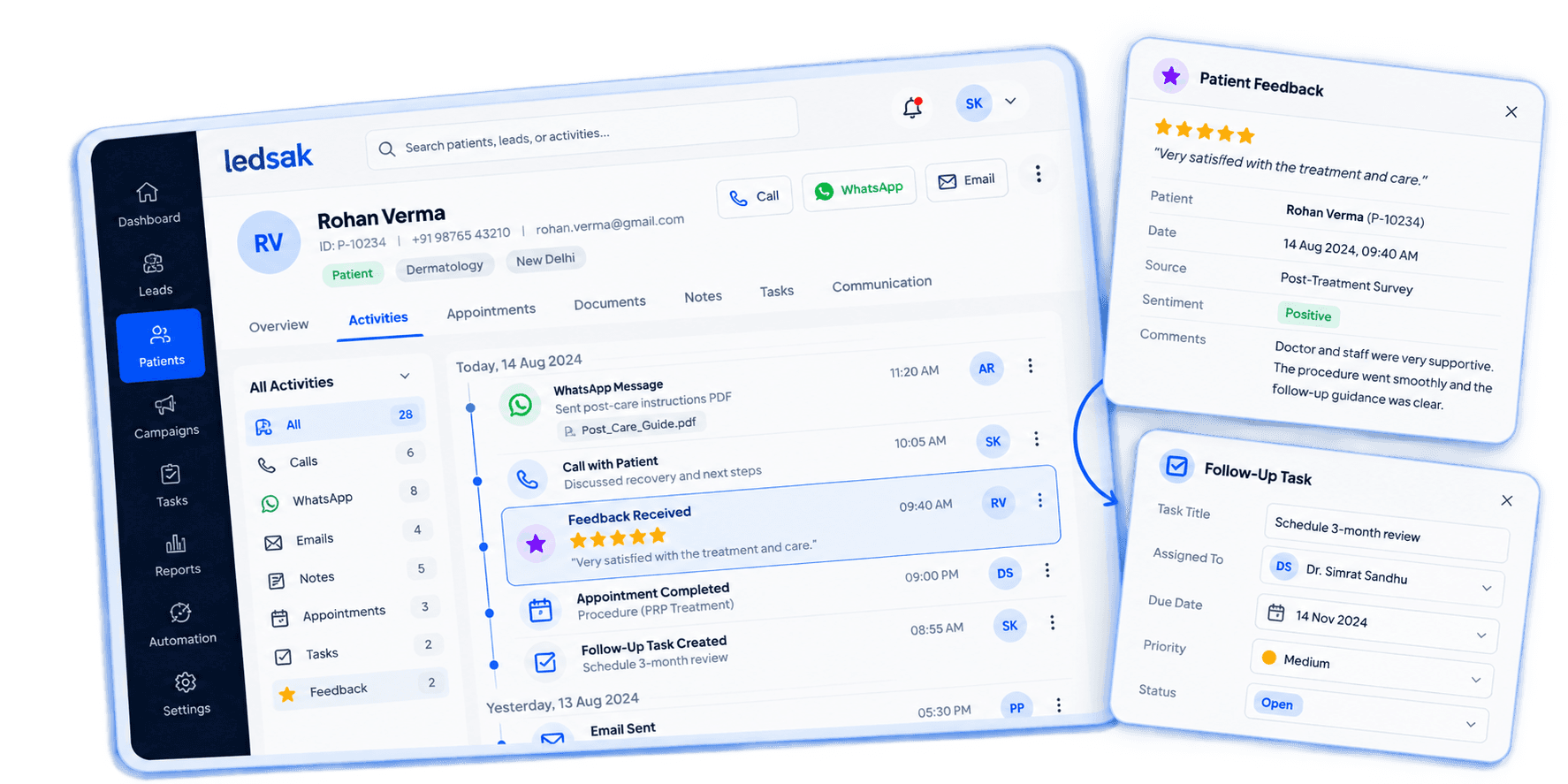
Continue Patient Conversations With Better Context
When another coordinator takes over a patient conversation, they need to know what was already discussed.
Use call history and AI summaries to give the next team member relevant context before continuing the interaction.
- Conversation Continuity
- Coordinator Handover
- Previous Call Context
- Patient Discussion History
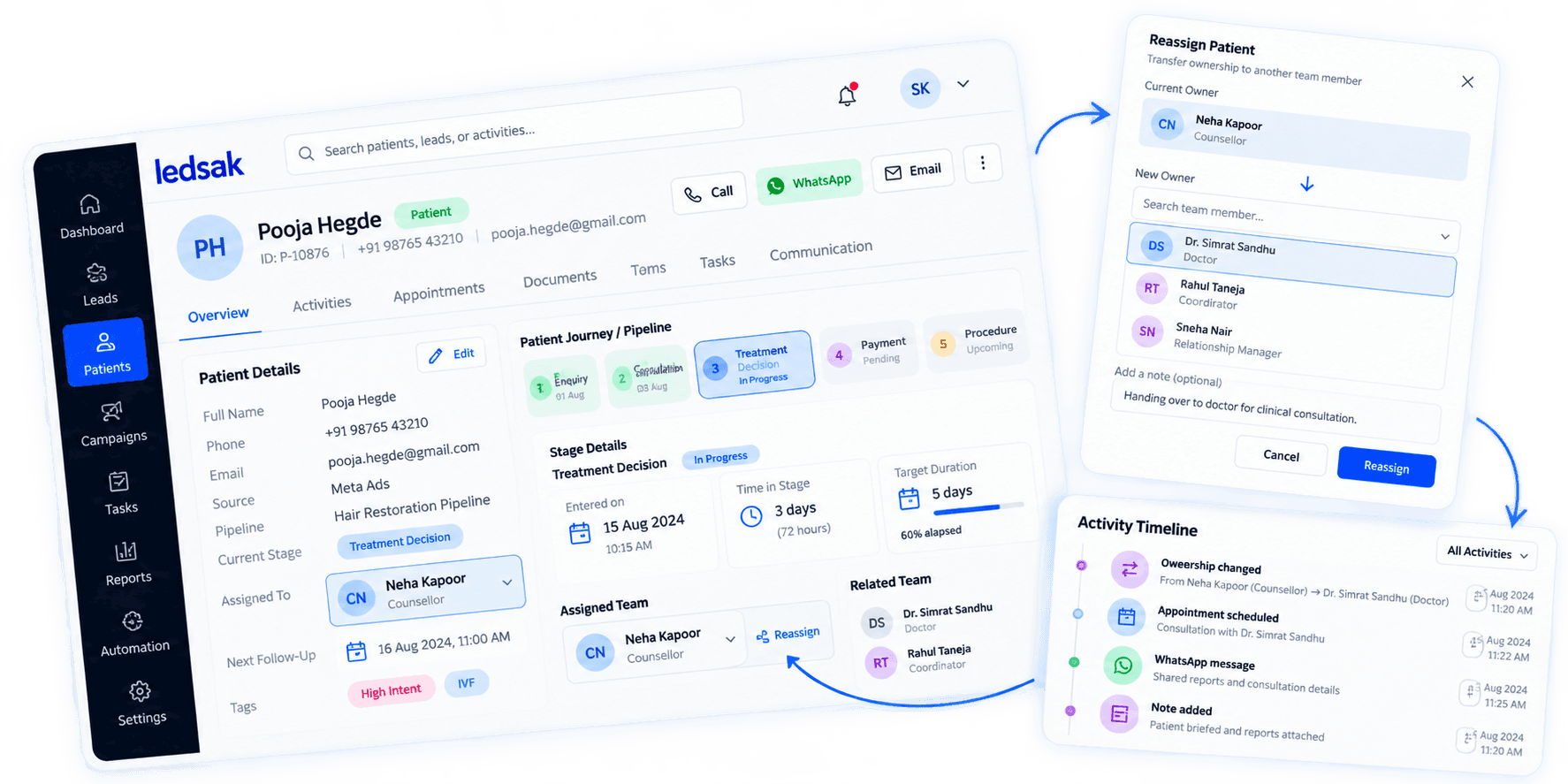
Work With Supported Calling Tools
Connect patient communication workflows with supported calling and telephony systems.
LEDSAK documentation currently references integrations including Servetel and Cube Dialer, along with IVR and calling workflows.
- Servetel Integration
- Cube Dialer Integration
- IVR Connectivity
- Supported Calling Workflows
Make Patient Calls Easier to Manage
Connect patient calls with communication history, AI insights, and clear next actions.
Better Call Context
Understand previous patient conversations before starting the next call.
Faster Conversation Review
Use AI summaries to review supported calls without repeatedly listening to full recordings.
Clearer Patient Follow-Ups
Connect call outcomes with the next patient communication activity.
Questions About Call Center Integration?
Everything you need to know about setting up telephony, IVR, and AI call summaries in LEDSAK.
Contact Us Today