
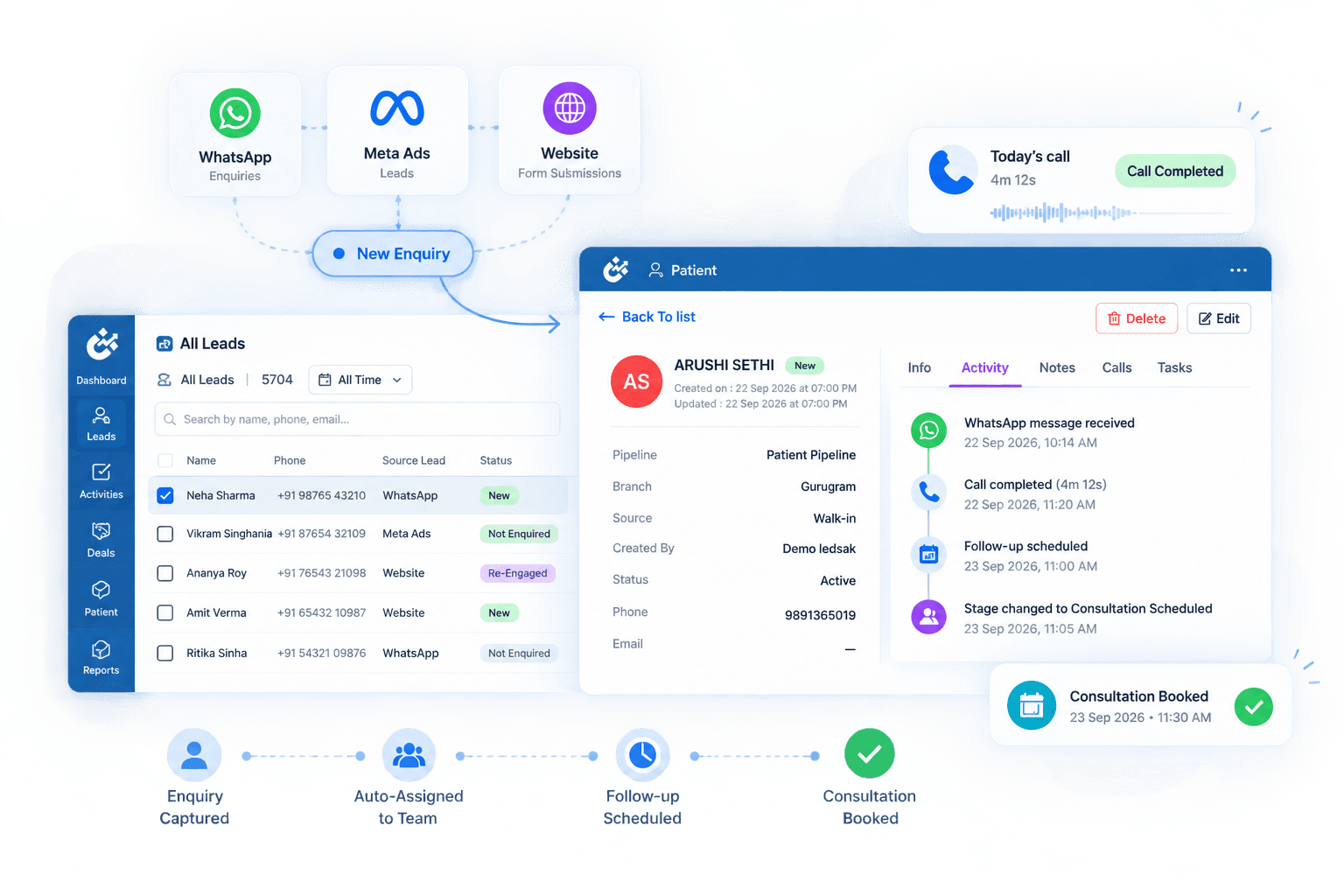









Keep Every Branch Connected Around Patients
Managing multiple locations can make patient enquiries, responsibilities, and follow-ups harder to coordinate. LEDSAK Multi-Branch Management helps organize patient operations across branches while giving central teams wider visibility.
Features of Multi-Branch Management
- Branch-Based Enquiry Routing
- Branch & Team Ownership
- Shared Patient Stages
- Role-Based Access
- Cross-Branch Activity View
- Branch Performance Comparison
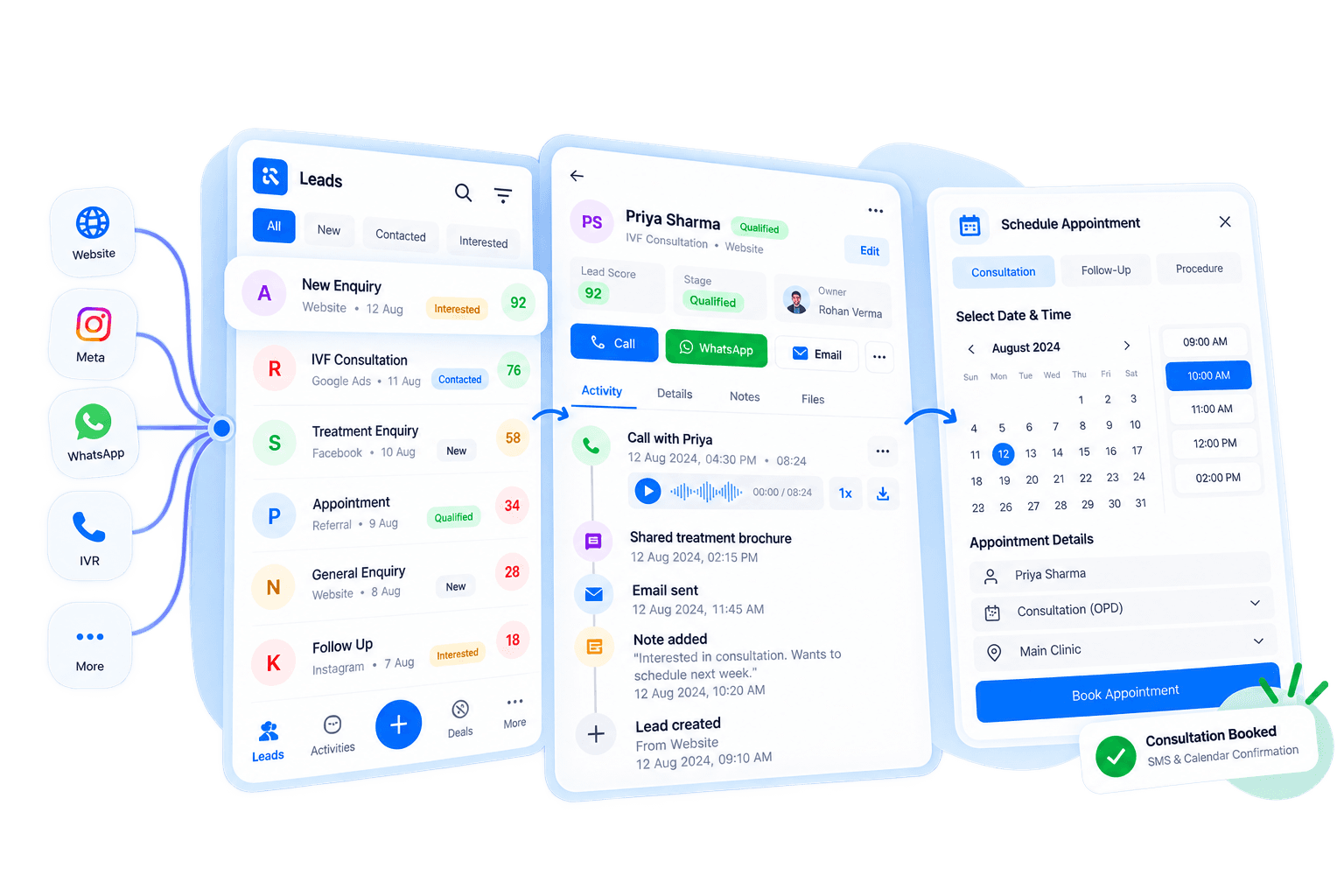
Multi-Branch Management: How It Works
Manage patient operations across locations through one structured process.
Set Up Locations
Organize branches according to your healthcare network.
Route Patient Enquiries
Send enquiries to the appropriate branch using configured rules.
Assign Branch Ownership
Connect each patient enquiry with the responsible branch and team.
Review Branch Activity
Track patient activity and performance across locations.
Route Patients to the Right Branch
Direct incoming patient enquiries to the appropriate location based on defined routing rules.
Branch-Based Enquiry Routing
Route enquiries using location, service, team, or round-robin criteria.
- Location Routing
- Service Routing
- Branch Assignment
- Round-Robin Distribution
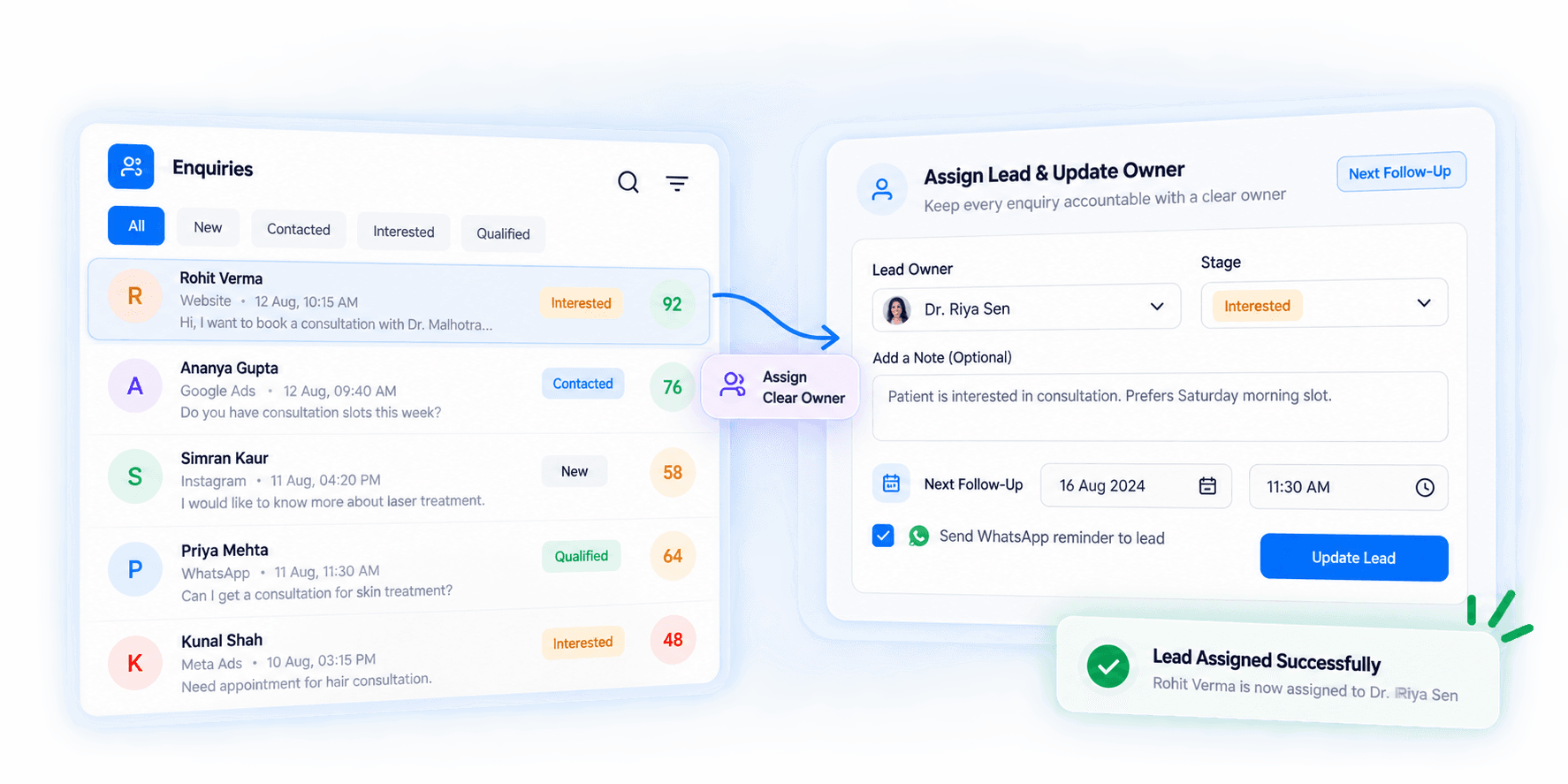
Keep Branch Responsibility Clear
Make it clear which location and team are responsible for each patient enquiry.
LEDSAK keeps patient responsibility connected to the appropriate branch and team so follow-ups and next actions are never dropped.
- Branch Ownership
- Team Assignment
- Patient Responsibility
- Ownership Updates
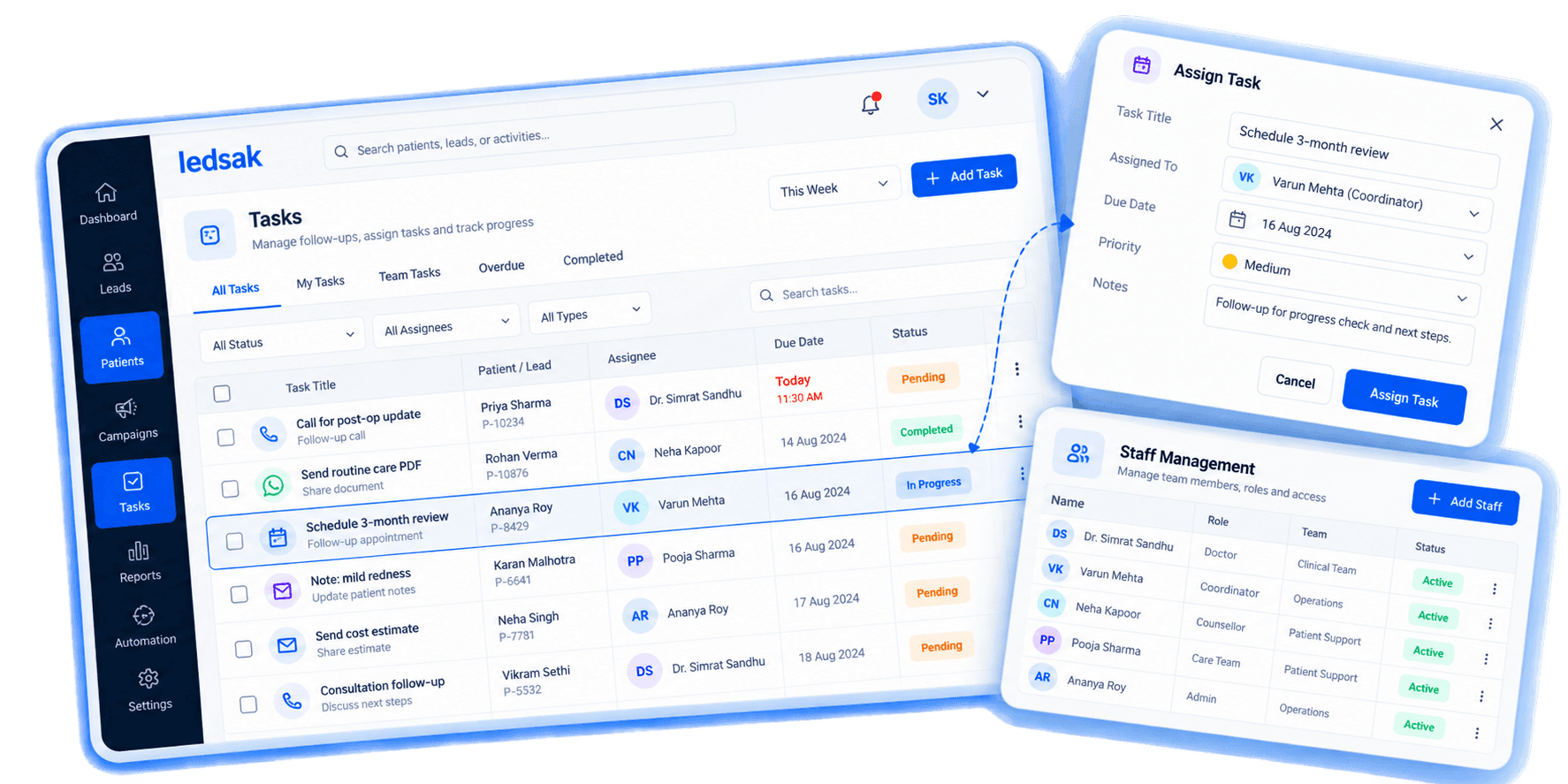
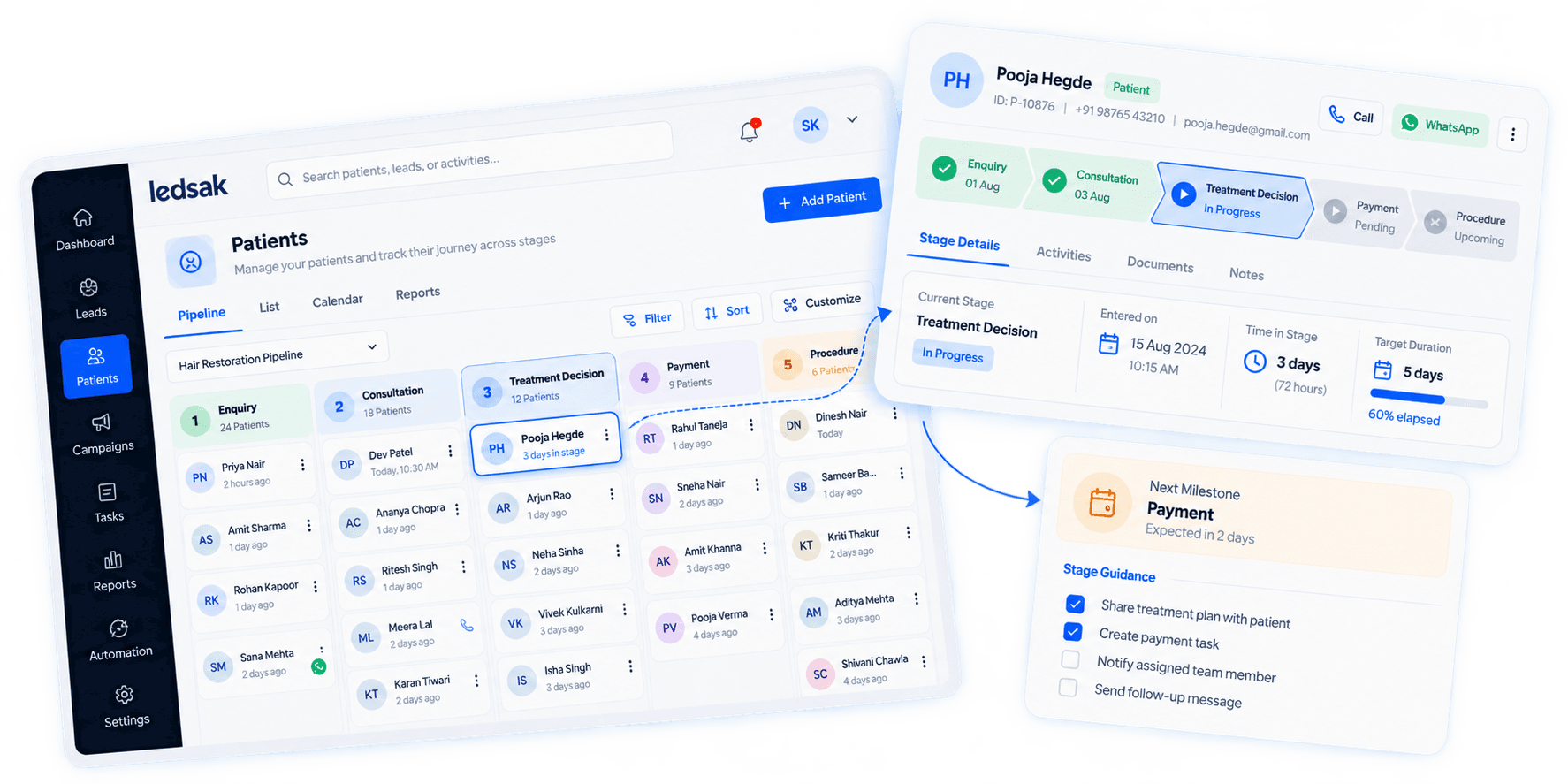
Use Consistent Patient Stages Across Locations
Keep patient workflows structured using the same defined stages across your branch network.
Apply consistent patient stages so teams follow a common operational process, from initial contact to completed treatment.
- Shared Patient Stages
- Consistent Workflows
- Stage Updates
- Process Structure
Control Access Across Different Locations
Give users access according to their role and branch responsibilities.
Limit patient information and platform access based on configured user roles, ensuring data privacy and operational focus.
- Role-Based Access
- Branch Visibility
- User Permissions
- Controlled Access

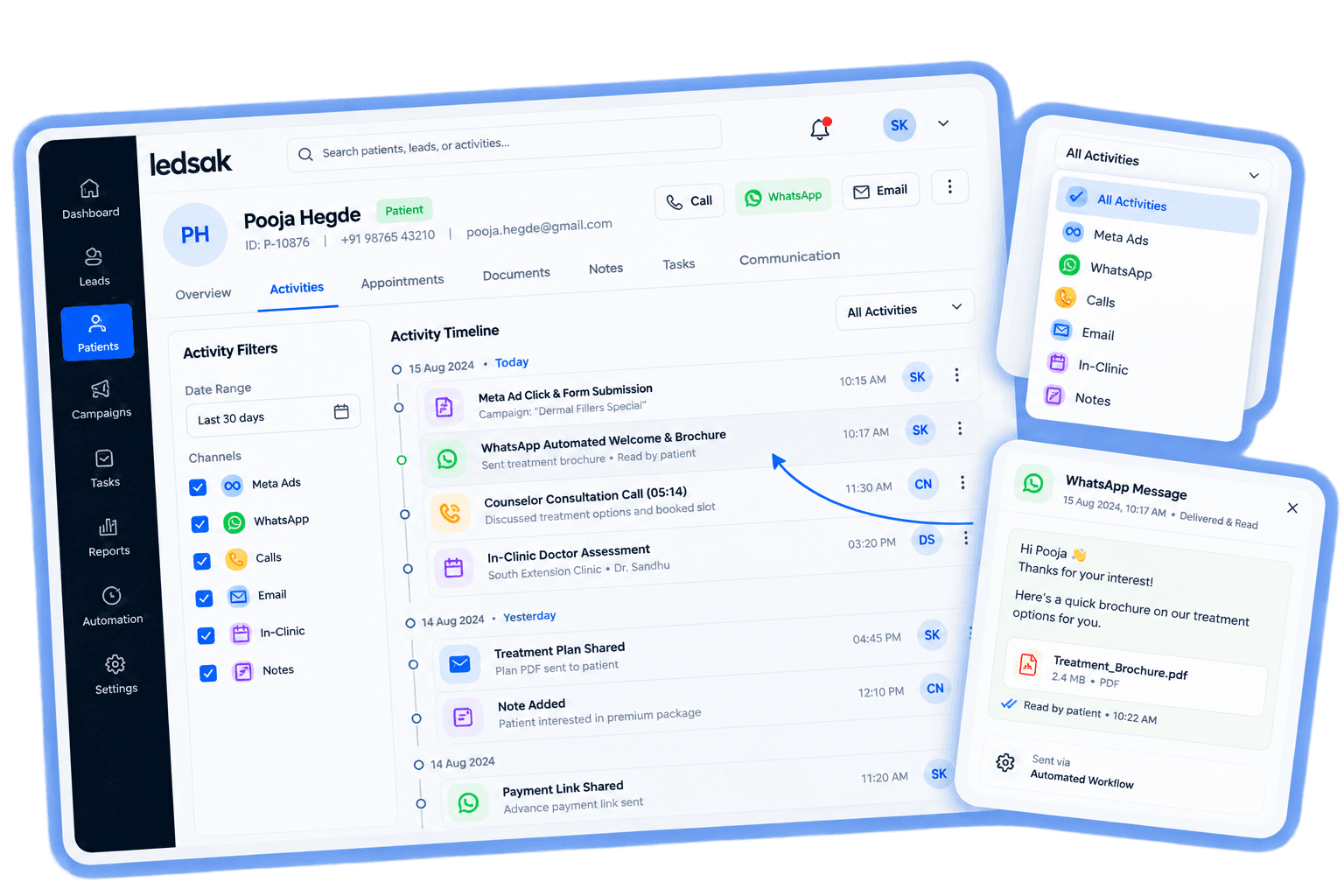
See Patient Activity Across Locations
Give authorized central teams visibility into relevant patient activity across multiple branches.
Review patient enquiries, ownership, follow-ups, and branch activity from one connected view.
- Patient Activity
- Enquiry Status
- Follow-Up Visibility
- Branch Overview
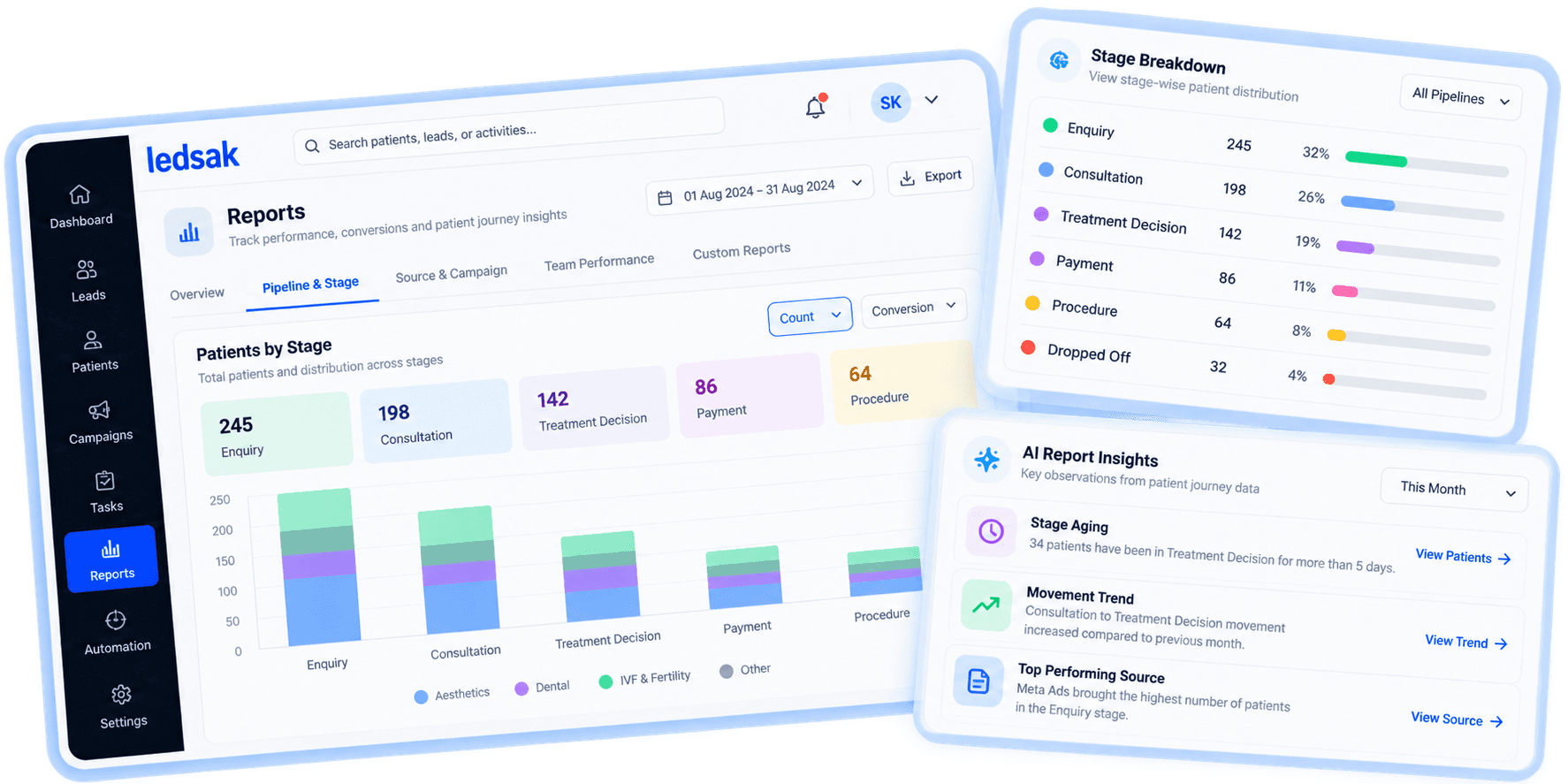
Compare Performance Across Your Branches
Understand how patient operations differ across locations using consistent performance views.
Compare relevant activity such as response, bookings, and follow-ups across branches.
- Branch Comparison
- Booking Activity
- Follow-Up Performance
- Location Trends
Build a Connected Multi-Branch Workflow
Keep patient operations structured while maintaining clear responsibility across locations.
Better Patient Routing
Send enquiries to the appropriate branch and team.
Clear Branch Ownership
Know which location is responsible for each patient enquiry.
Wider Network Visibility
Review patient activity across your branch network.
Need Assistance? We're Here to Support You!
Our healthcare solution architects can help configure your multi-branch network, staff permissions, and location-based routing rules.
Contact Us Today