
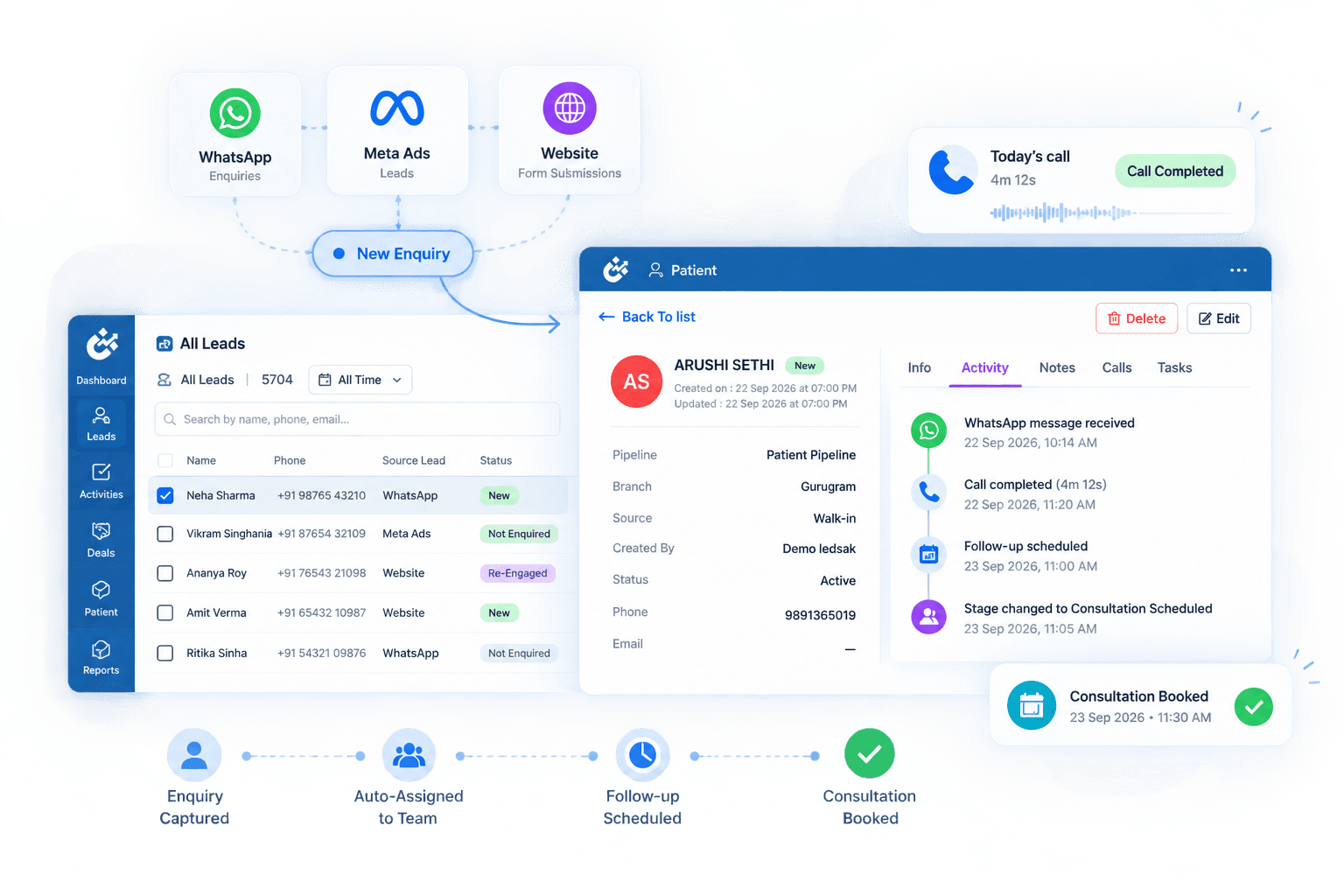









Build Workflows That Respond to What Happens Next
Routine CRM activities often depend on someone remembering to update a record, assign a task, send a follow-up, or take the next action.
LEDSAK AI Workflow Automation helps teams create structured automations around defined events, lead behaviour, stages, and business rules. Workflows can trigger tasks, reminders, WhatsApp messages, alerts, and other configured actions automatically.
Features of AI Workflow Automation
- Behaviour-Triggered Workflows
- AI Lead Quality Scoring
- Custom Automation Rules
- Automatic Task Creation
- Smart Lead Routing
- Stage-Based Actions
- Follow-Up Automation
- WhatsApp Workflow Actions
- Alerts & Escalations
- Workflow Activity Tracking
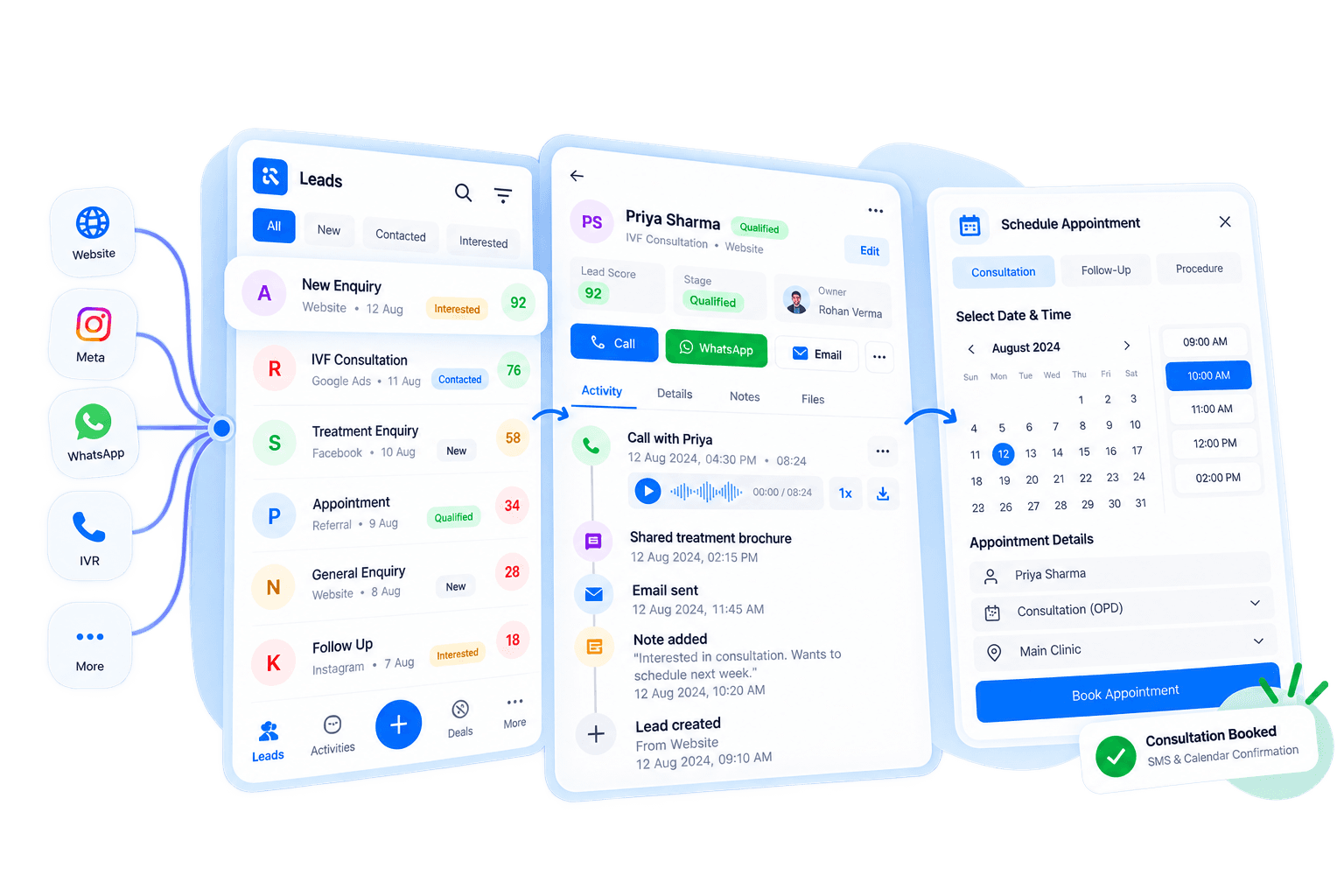
AI Workflow Automation: How It Works
Create workflows around the actions, conditions, and processes that matter to your team.
Choose a Trigger
Start a workflow when a defined event occurs, such as a new lead, stage change, or selected lead behaviour.
Set the Conditions
Define the rules that determine when the workflow should continue and which records it should apply to.
Automate the Action
Trigger tasks, assignments, reminders, messages, alerts, or other configured workflow actions.
Track the Workflow
Review automated activity and see which actions have been triggered across your CRM process.
Build Automation Around Your Existing Process
Different teams work with different stages, routing rules, and next actions. LEDSAK lets you configure workflows around the process your team already follows.
Custom Workflow Builder
Different teams work with different stages, routing rules, and next actions. LEDSAK lets you configure workflows around the process your team already follows.
Define triggers, conditions, and actions to create automation flows that match your operational requirements.
- Custom Triggers
- Workflow Conditions
- Automated Actions
- Configurable Rules
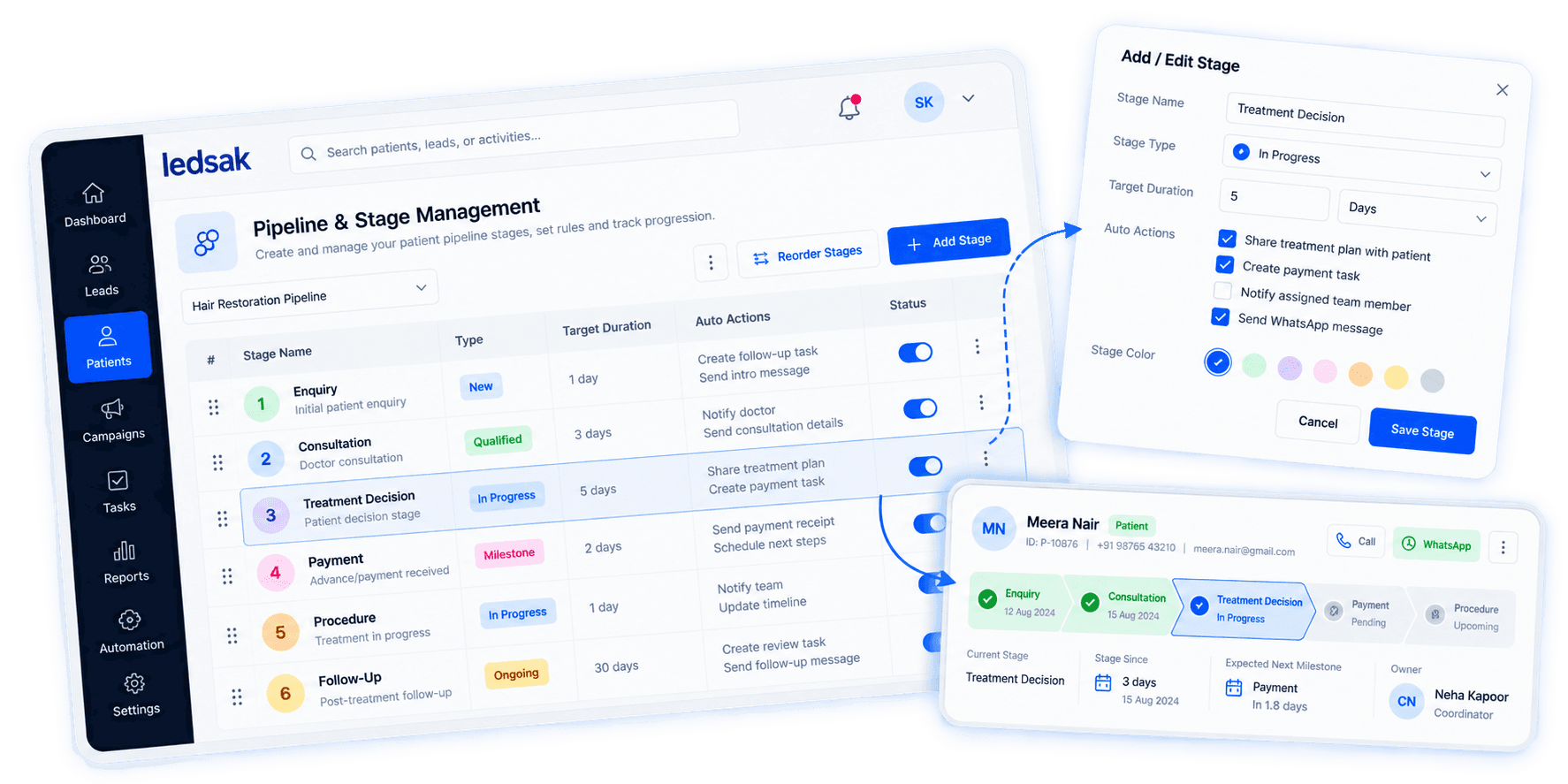
Let Lead Behaviour Trigger the Next Action
A lead does not always need to send another message for their activity to matter. Selected behaviour can be used as a workflow trigger.
Configure automated actions when a defined lead activity occurs, allowing your workflow to respond without waiting for someone to notice the activity manually.
- Behaviour Triggers
- Action-Based Rules
- Automatic Next Steps
- Event-Based Automation
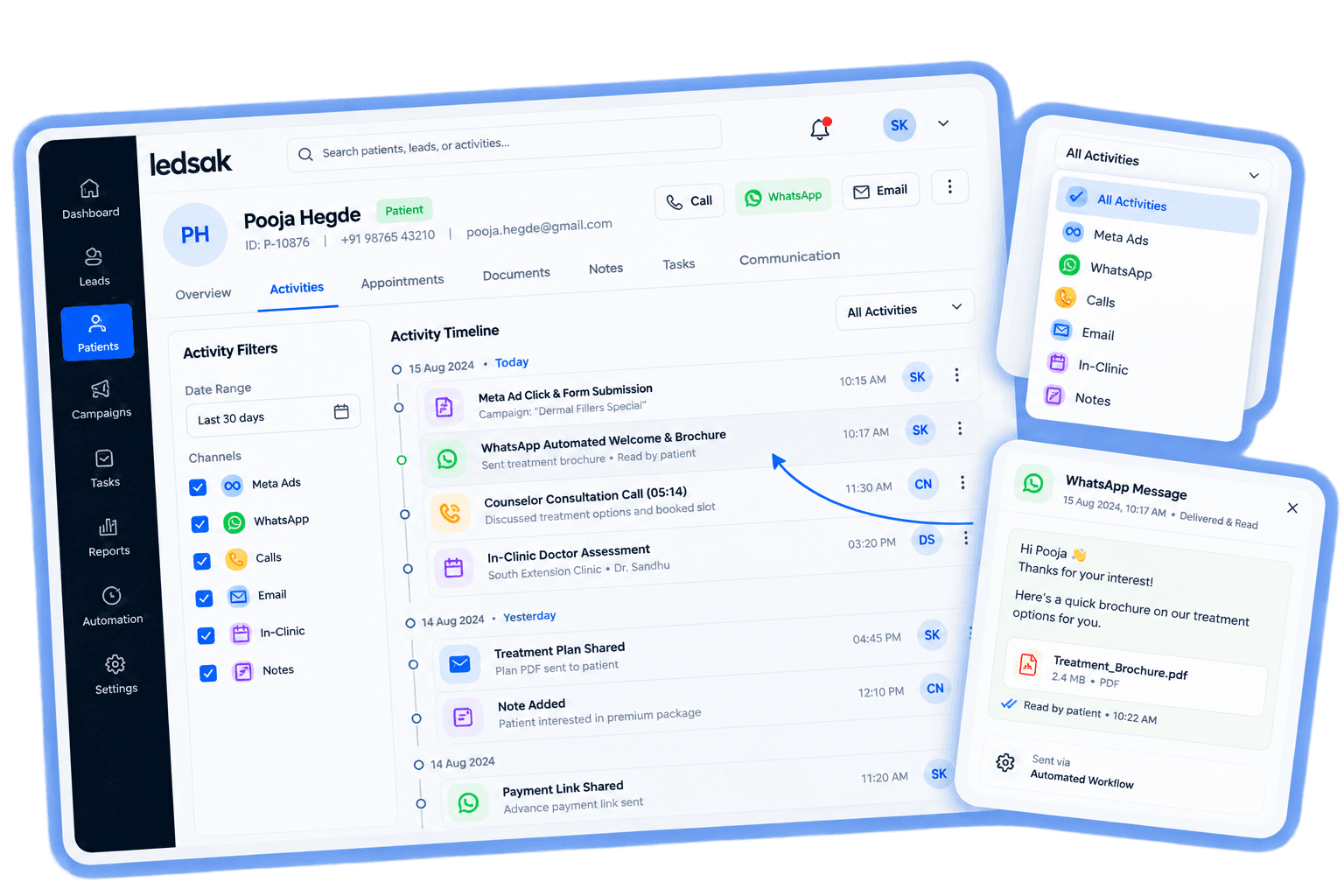
Give Your Team a Clearer Place to Start
Use predefined lead-quality criteria to help distinguish between opportunities that may require different levels of attention.
LEDSAK can score leads against criteria defined by the business, helping teams organize and prioritize opportunities more systematically.
- Custom Quality Criteria
- AI-Assisted Lead Scoring
- Lead Prioritization
- Score-Based Views
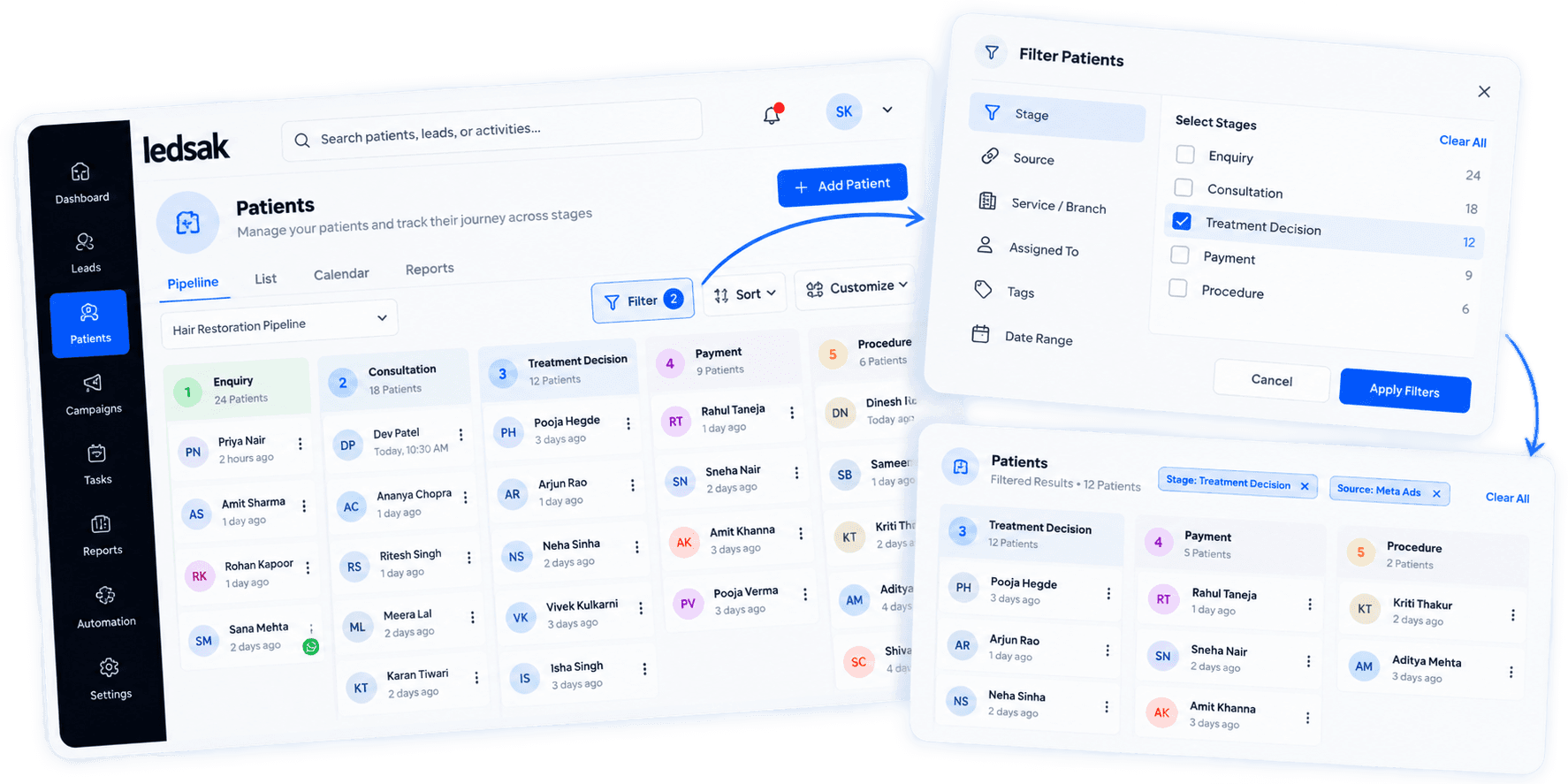
Send New Opportunities to the Right Team
Create routing rules that determine where an incoming lead should go based on the information available in your CRM.
Automatically assign leads according to configured criteria such as team, service, location, source, or another supported CRM field.
- Rule-Based Assignment
- Team Routing
- Location-Based Routing
- Custom Assignment Logic
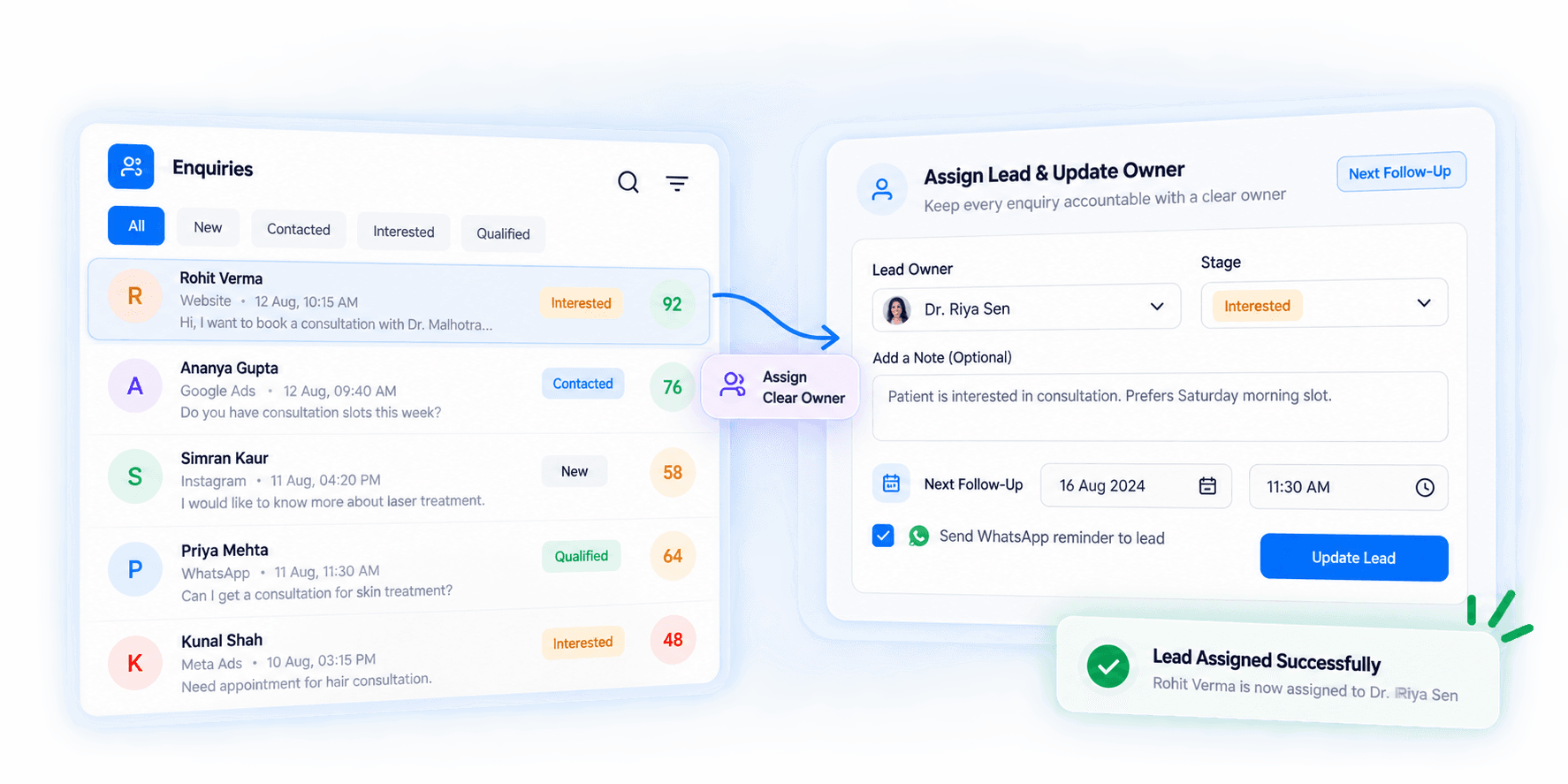
Make Every Stage Change Start the Right Action
Use pipeline movement as an automation trigger so the workflow can respond when a record reaches a specific stage.
Configure actions that begin when a lead enters, leaves, or moves between selected CRM stages.
- Stage Change Triggers
- Task Creation
- Workflow Progression
- Stage-Specific Actions
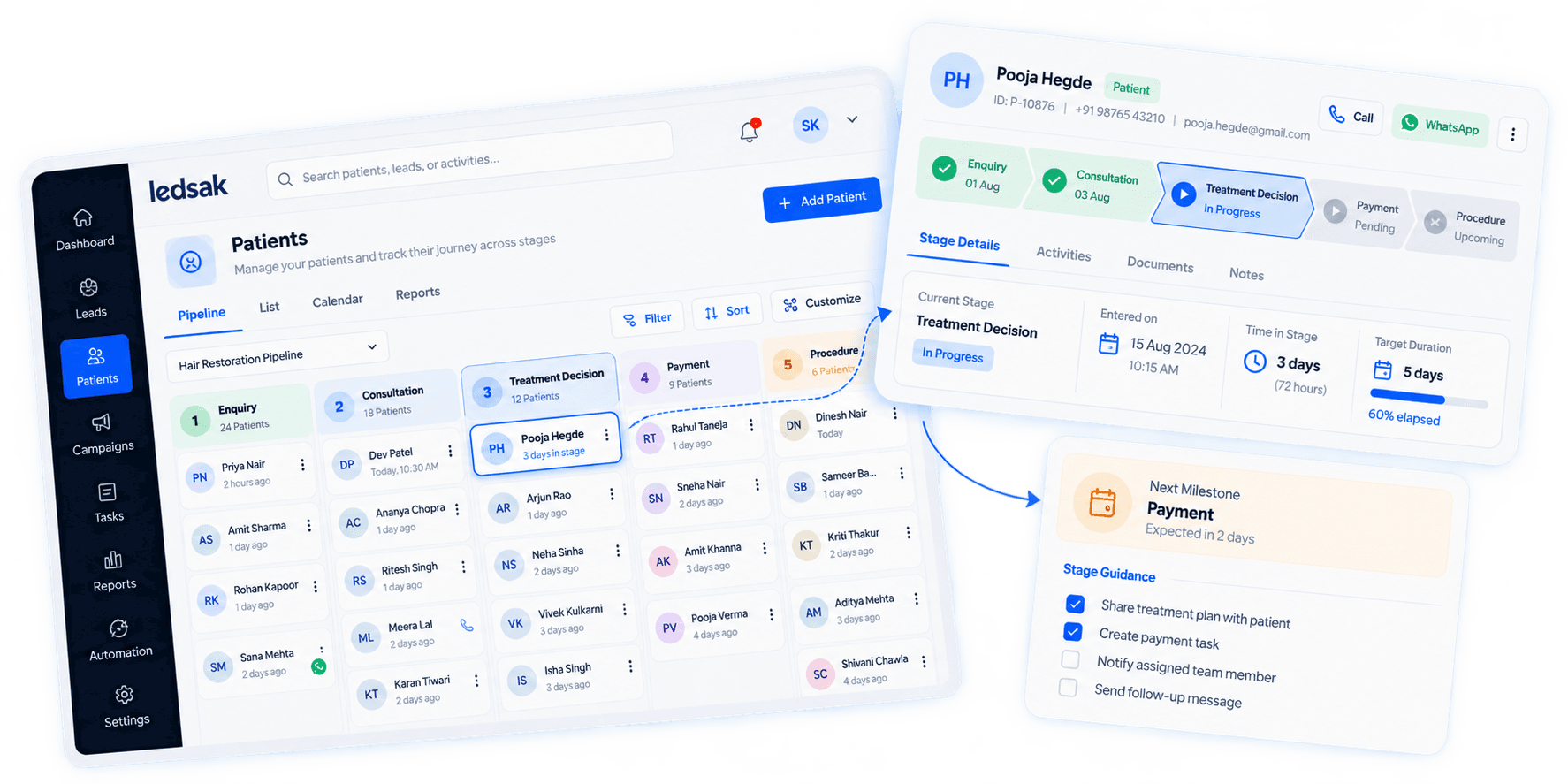
Bring Delayed Actions to Attention
Not every task is completed at the expected time. Automation can help make overdue or priority activities more visible.
Create rules that trigger alerts or escalation actions when selected workflow conditions are met.
- Overdue Task Alerts
- Priority Notifications
- Escalation Rules
- Time-Based Triggers
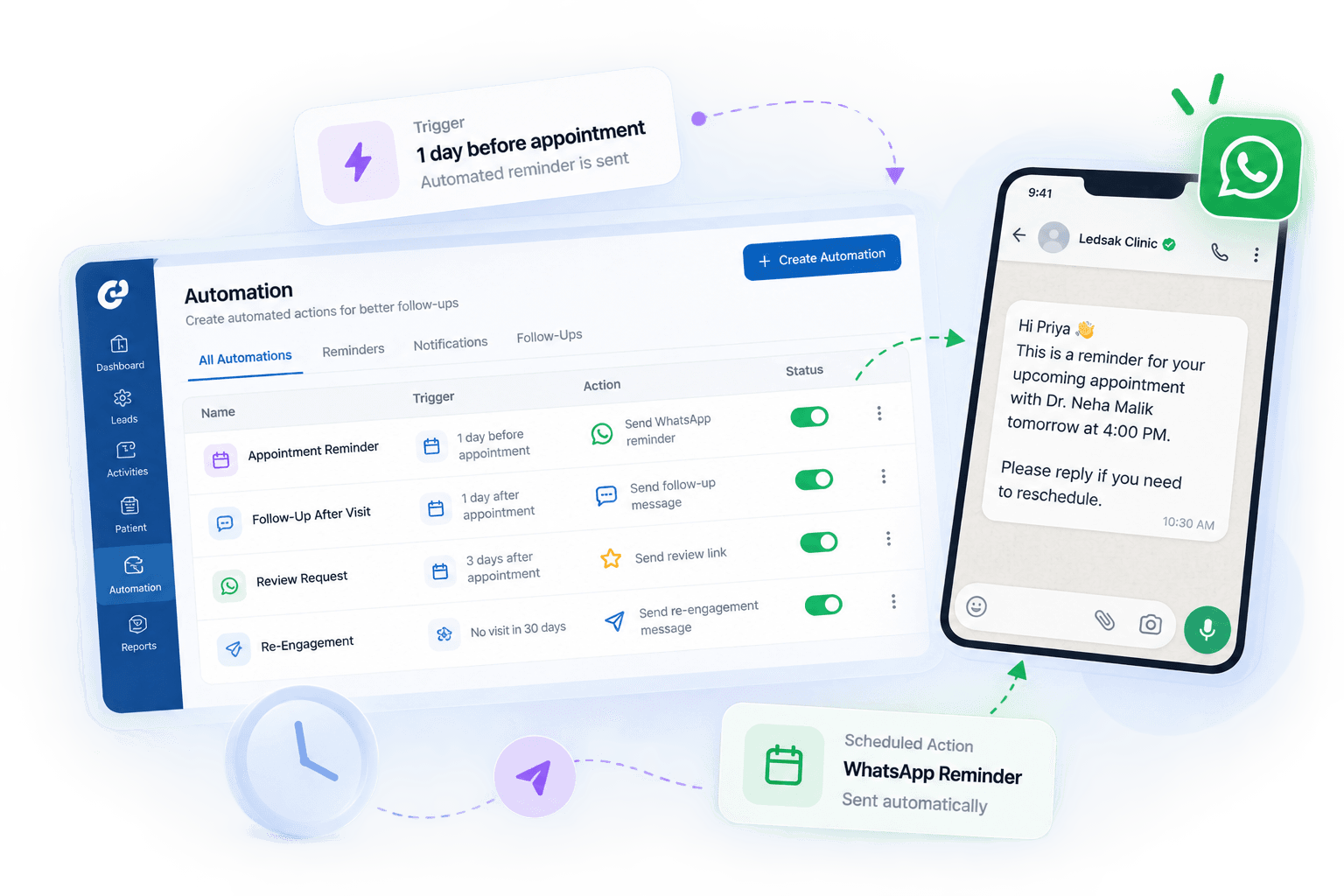
Automate Repetitive Follow-Up Actions
Set communication actions within your workflows so routine follow-ups do not always need to be started manually.
LEDSAK supports workflow-based follow-up tasks, reminders, WhatsApp messages, and alerts according to configured processes.
- WhatsApp Workflow Actions
- Follow-Up Sequences
- Reminder Automation
- Communication Triggers

See What Your Automations Are Doing
Automation should remain visible to the team rather than operating as an unexplained background process.
Review triggered activities and workflow actions to understand how automation is supporting your operational process.
- Automation Activity
- Trigger History
- Workflow Status
- Action Tracking
Reduce Repetitive Work Without Losing Process Visibility
Use structured automation to keep routine CRM activities moving while your team remains in control of the workflow.
Less Manual Work
Automate repetitive assignments, reminders, tasks, and configured communication actions.
Faster Next Actions
Trigger the appropriate workflow step as soon as defined conditions are met.
More Consistent Processes
Apply the same workflow rules across teams, stages, and supported processes.
Need Assistance? We're Here to Support You!
Our solutions engineering team can help you build custom automation rules, SLA monitors, and WhatsApp workflow actions.
Contact Us Today