
Generating leads is only the first step. The real challenge begins after someone fills out a form, responds to an email, clicks a campaign or shows interest in your product.
If your sales team still moves leads between spreadsheets, email platforms and CRM systems manually, follow-ups can easily get delayed. Important conversations may also get missed.
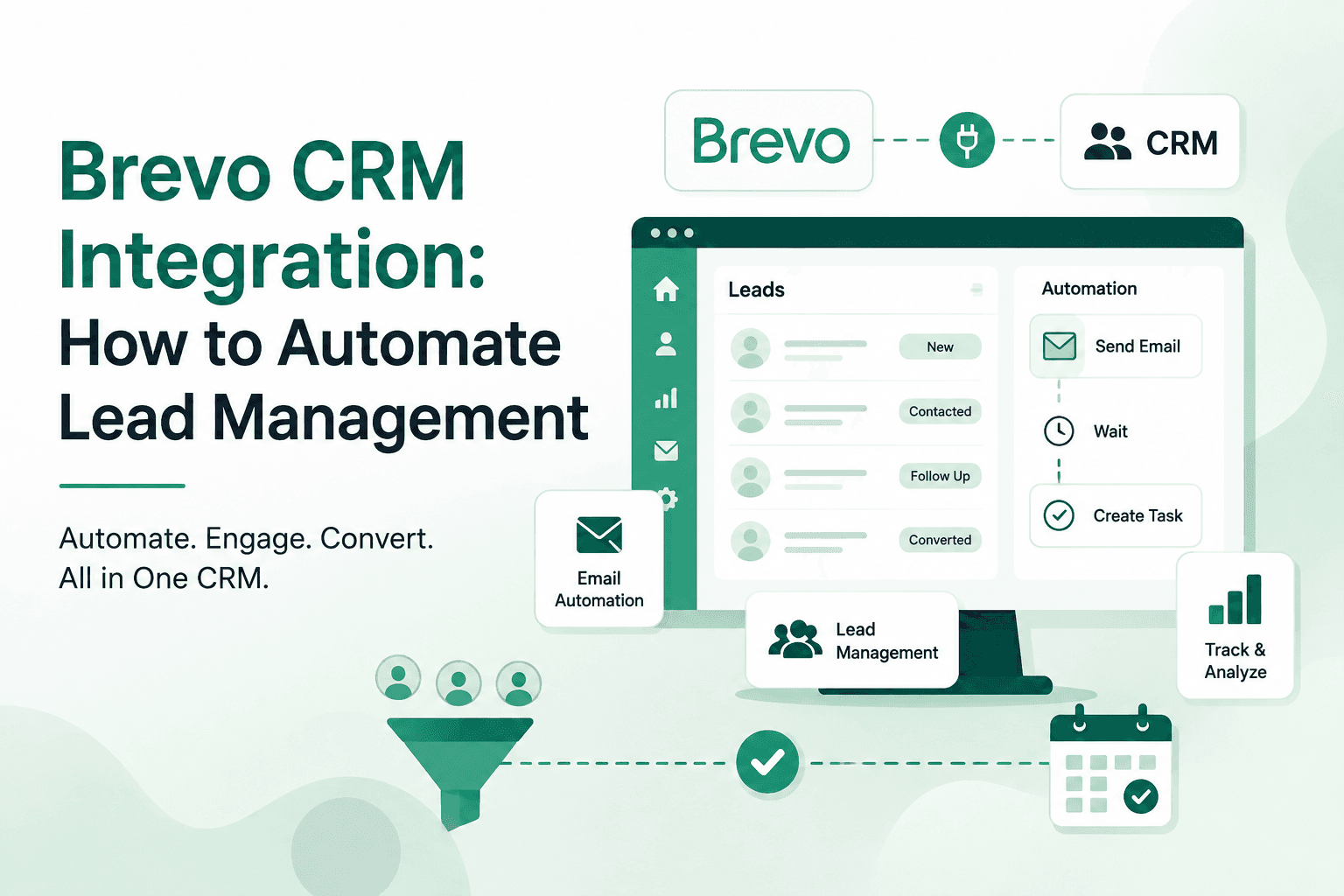
This is where Brevo CRM integration can make the lead management process more organized. By connecting Brevo with a CRM, businesses can bring marketing communication and sales activity closer together, automate repetitive tasks and create a smoother journey for every lead.
What Is Brevo CRM Integration?
Brevo CRM integration connects Brevo's marketing and customer engagement capabilities with a CRM system. The goal is simple: keep contact information, campaign activity and sales follow-ups connected.
Brevo supports CRM and marketing functions, including contact management, email campaigns, automation and customer engagement. Its integrations can also synchronize lead and contact information between platforms.
For a sales team, this means a lead does not have to remain only an email address inside a marketing platform. Their engagement can become part of the wider sales process.
For example:
Lead captured → Contact added → Email sent → Lead engages → Activity tracked → Sales team follows up → Lead moves through the pipeline
This creates a more connected lead management process.
Why Connect Brevo With a CRM?
Email marketing and sales CRM systems often serve different purposes.
Brevo can help businesses communicate with contacts through email and other channels. A CRM, meanwhile, helps sales teams manage leads, conversations, activities and opportunities.
A Brevo integration with CRM brings these functions together.
Instead of asking:
Did this lead receive the email?
Did they open it?
Has someone followed up?
Which salesperson is handling the lead?
What should happen next?
Your team can use connected data to answer these questions more easily.
The biggest benefit is visibility. Marketing can see engagement, while sales can use that information to decide when and how to follow up.
How Brevo Lead Management Works With a CRM
Effective Brevo lead management starts with capturing lead information and continues throughout the sales journey.
A typical process can look like this:
1. Capture the Lead
A prospect may come from a website form, advertising campaign, landing page or another marketing channel.
Their details can be added to the CRM and synchronized with the relevant marketing system.
2. Organize Lead Information
The CRM can store important information such as contact details, lead source, assigned salesperson, sales stage and previous interactions.
This gives the sales team more context before contacting the prospect.
3. Segment Leads
Not every lead needs the same communication.
A business can segment contacts based on factors such as:
Lead source
Product interest
Customer type
Sales stage
Previous engagement
Email activity
Segmentation makes email communication more relevant and can help sales teams prioritize their efforts.
4. Start Automated Communication
Once a lead enters a particular stage, an automated email sequence can be triggered.
For example:
New lead → Welcome email → Educational email → Follow-up reminder → Sales contact
The exact workflow depends on the business and its sales cycle.
5. Track Engagement
This is where Brevo lead tracking becomes useful.
Email activity can provide signals about how a prospect is engaging with your communication. Brevo's CRM integrations can also make campaign and email activity available within connected CRM environments.
Sales teams can use these signals alongside other CRM information instead of treating email engagement as isolated marketing data.
What Can You Automate With Brevo CRM Integration?
The value of Brevo CRM automation comes from removing repetitive manual work.
Here are some practical workflows businesses can create.
Automated Lead Assignment
When a new lead enters the CRM, it can be assigned to the appropriate salesperson based on predefined rules.
For example, leads can be distributed according to location, product interest, branch or team availability.
Automated Welcome Emails
A new lead does not always need to wait for a salesperson to send the first message.
A welcome email can be triggered automatically after the lead is captured.
This keeps communication moving while the sales team prepares for personal follow-up.
Follow-Up Sequences
Some prospects need several interactions before they are ready to make a decision.
A CRM email marketing integration can help create scheduled follow-up sequences.
For example:
Day 1: Introduction
Day 3: Product information
Day 7: Helpful resource
Day 10: Sales follow-up
The sequence can be adjusted based on the business and customer journey.
Engagement-Based Follow-Ups
Automation can also become more relevant when it considers lead activity.
For example, a prospect who engages with a particular email may receive a different follow-up from someone who has not interacted with the campaign.
This helps businesses move away from sending the same message to every lead.
Sales Notifications
A CRM can notify the assigned salesperson when a specific action takes place.
For instance, if a prospect engages with an important campaign, the sales team can receive a notification to review the lead and decide whether personal outreach is appropriate.
Brevo CRM Integration vs. Manual Lead Management
Manual Lead Management | Brevo + CRM Automation |
Leads are updated manually | Lead data can be synchronized |
Follow-ups depend on individual team members | Follow-ups can be automated |
Email activity may stay in the marketing platform | Marketing activity can support CRM visibility |
Sales teams spend time on repetitive tasks | Automation handles routine workflows |
Lead status can become outdated | Connected data can improve visibility |
Difficult to manage at scale | Easier to build repeatable processes |
The difference becomes clear when you compare the two approaches.Automation does not remove the need for salespeople. It removes unnecessary administrative work so teams can spend more time on conversations that require human attention.
How CRM Email Marketing Integration Improves Lead Conversion
A CRM email marketing integration is most useful when email activity becomes part of the larger sales journey.
Imagine a prospect downloads a guide from your website.
The lead enters your CRM. An introductory email is sent through Brevo. The prospect engages with the email and later requests more information.
Instead of treating each action separately, the sales team can view the lead's journey and determine the next step.
This creates a more connected process:
Marketing generates interest.
Brevo nurtures the contact.
The CRM organizes the sales process.
Automation keeps the follow-up moving.
The result is better coordination between marketing and sales.
How Ledsak Can Work With Brevo
Businesses that want to take this process further can connect Brevo with Ledsak CRM.
Ledsak provides a dedicated Brevo integration designed to connect Brevo's email and SMS capabilities with CRM workflows. According to Ledsak, the integration supports automated campaigns, lead nurturing, contact synchronization and performance tracking.
This makes the integration useful for businesses that want marketing communication and sales management in one connected workflow.
For example:
A new lead enters Ledsak → Lead is assigned → Brevo sends the relevant email → Engagement is tracked → Sales team receives the required follow-up → Lead continues through the CRM pipeline
Ledsak also supports automated lead assignment, follow-up reminders, event-based actions and personalized communication through email, WhatsApp and SMS.
This can be especially useful for teams managing a high volume of enquiries where manual follow-ups become difficult to maintain.
Best Practices for Brevo CRM Automation
Integration alone does not guarantee better lead management. The workflow needs to be planned properly.
Keep Lead Data Clean
Make sure names, email addresses, phone numbers, lead sources and other important fields are consistent across systems.
Poor-quality data can create duplicate contacts and unreliable reporting.
Define Clear Lead Stages
Decide what each stage means.
For example:
New → Contacted → Qualified → Proposal → Negotiation → Won/Lost
Clear stages help automation work around a defined sales process.
Do Not Over-Automate
Automation should support your sales team, not make every interaction feel robotic.
Use automated emails for routine communication. Use personal outreach when a lead shows strong intent or needs a detailed response.
Use Segmentation
A first-time enquiry should not receive the same communication as an existing customer.
Use lead attributes and engagement data to create relevant segments.
Track the Complete Journey
Do not focus only on email opens and clicks.
Look at the bigger picture:
Where did the lead come from?
How quickly was it contacted?
Did the lead respond?
Did it move through the pipeline?
How many follow-ups were required?
Did it eventually convert?
This gives you a clearer view of actual sales performance.
Common Mistakes to Avoid
A few mistakes can reduce the value of a CRM integration.
Sending too many emails: Automation should have a purpose. Excessive messages can lead to disengagement.
Ignoring sales follow-up: An automated email cannot replace a timely conversation when a prospect is ready to buy.
Using incomplete data: Missing contact information or inconsistent fields can break workflows.
Creating complicated automations: Start with simple workflows and improve them as your team understands what works.
Tracking marketing but not revenue: Engagement metrics matter, but businesses should ultimately connect campaigns with qualified leads, opportunities and conversions.
Is Brevo CRM Integration Right for Your Business?
If your business generates leads through multiple marketing channels and depends on regular follow-ups, integrating Brevo with a CRM can make the process easier to manage.
It is particularly useful when your team needs to:
Automate lead nurturing
Keep marketing and sales data connected
Reduce manual follow-ups
Track lead engagement
Segment contacts
Improve sales visibility
Create repeatable lead workflows
The key is not simply connecting two platforms. The real value comes from designing a workflow where every lead has a clear next step.
Take Lead Management Further With Ledsak
Managing leads manually becomes harder as your business grows. A connected CRM can help your team capture leads, assign them, track activity and automate follow-ups without relying on spreadsheets or scattered tools.
With its Brevo integration, Ledsak helps connect email marketing activity with broader CRM and sales workflows. Its integration capabilities include real-time contact synchronization, lead nurturing and campaign performance tracking.
If you want to build a more organized and automated lead management process, explore Ledsak CRM and see how Brevo integration can fit into your sales workflow.
Ready to automate your lead management? Explore Ledsak and book a demo to see how connected CRM workflows can help your team manage and convert leads more efficiently.