
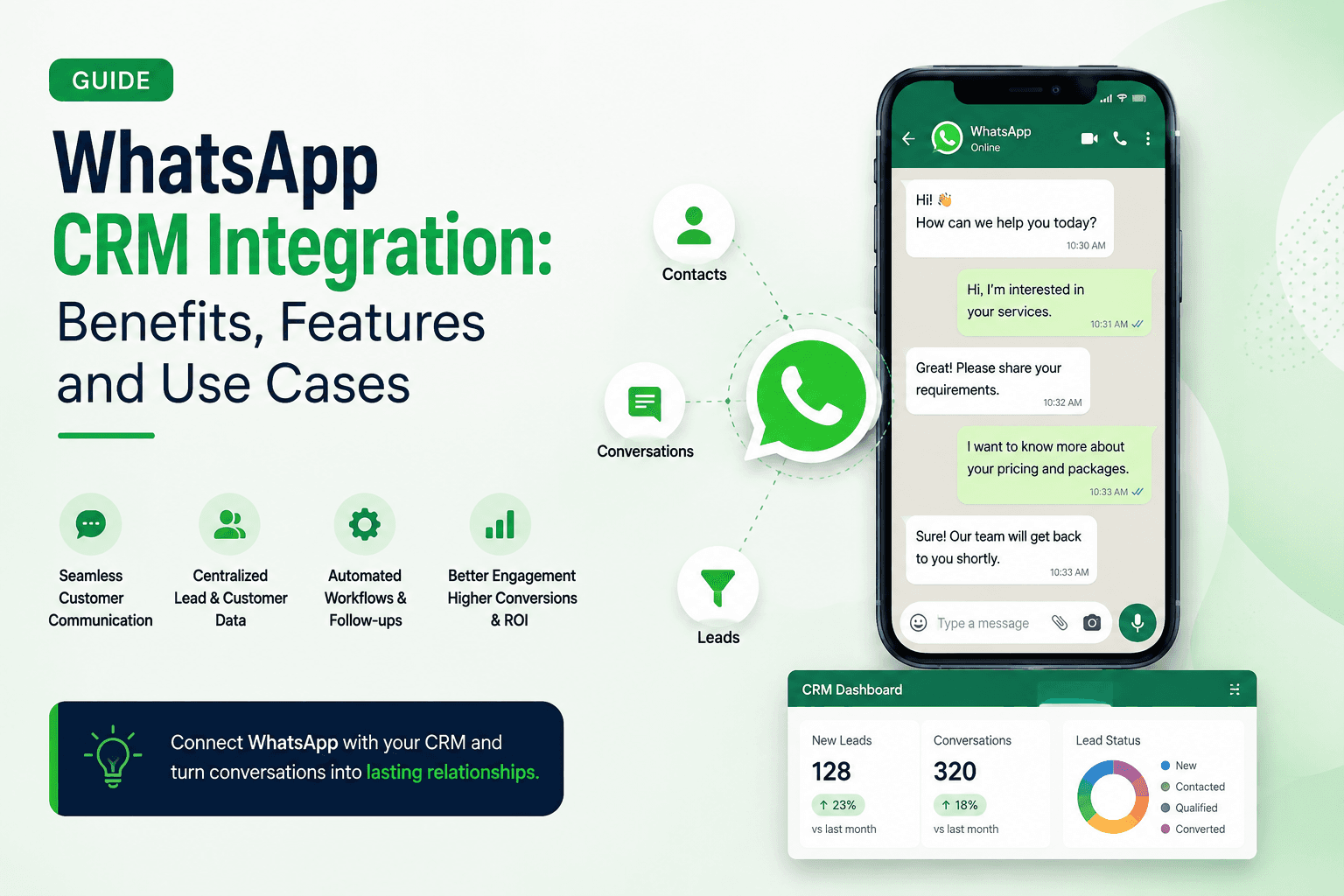
For many businesses, WhatsApp is where the real customer conversation happens.
A potential customer may ask about pricing, request a product catalogue, book an appointment or simply send a message to know more about a service. The problem starts when these conversations are managed separately from the sales process.
A salesperson may reply to the message but forget to follow up later. Another team member may not know what was discussed. Important customer details can also get buried under hundreds of WhatsApp conversations.
This is where WhatsApp integration with CRM becomes useful.
Connecting WhatsApp with a CRM brings customer conversations, lead information, follow-ups and sales activity into a more organized workflow. Instead of treating WhatsApp as only a communication channel, businesses can use it as part of their complete customer journey.
What Is WhatsApp CRM Integration?
WhatsApp integration with CRM connects WhatsApp conversations with a customer relationship management system.
The integration allows businesses to manage WhatsApp conversations alongside other customer and sales information. Depending on the CRM and integration, teams may be able to capture leads, assign them to sales representatives, track conversations, schedule follow-ups and monitor the progress of opportunities.
A typical workflow can look like this:
Customer sends a WhatsApp message → Lead is captured → Lead is assigned → Conversation is tracked → Follow-up is scheduled → Lead moves through the sales pipeline → Conversion is recorded
This gives the sales team a clearer view of what happens before and after every conversation.
Why Do Businesses Need WhatsApp CRM Integration?
WhatsApp is convenient for customers, but managing a large number of conversations manually can become difficult.
A sales team may have to remember:
Who contacted the business?
What did the customer ask?
Who is handling the lead?
When should the next follow-up happen?
Has the customer already received a quotation?
Did the lead convert?
A CRM can organize this information and connect it with the WhatsApp conversation.
This is particularly useful for businesses that receive a high volume of enquiries through WhatsApp.
Key Features of WhatsApp CRM Software
The exact features depend on the CRM platform and the WhatsApp integration being used. However, a good WhatsApp CRM software solution should support several important functions.
Lead Capture
New enquiries can be captured and added to the CRM instead of remaining only in a chat inbox.
Important information such as name, phone number, source and enquiry details can be stored with the lead record.
Centralized Conversation History
Sales representatives can access relevant customer conversations and notes while managing the lead.
This gives them context before the next interaction.
Lead Assignment
New WhatsApp leads can be assigned to the right salesperson or team.
Assignment rules can be based on factors such as location, product, service, department or availability.
Follow-Up Reminders
A customer may not be ready to purchase after the first conversation.
CRM reminders can help sales teams remember when they need to contact the lead again.
Lead Status and Sales Pipeline
WhatsApp leads can be moved through defined stages such as:
New → Contacted → Qualified → Follow-Up → Proposal → Won/Lost
This makes it easier to see how many leads are at each stage.
Automated Communication
Businesses can create automated workflows for certain customer actions.
For example, a new enquiry may trigger a confirmation message, while a lead that requires follow-up can generate a task for the salesperson.
Reporting and Analytics
A CRM can help businesses monitor WhatsApp lead volume, response activity, follow-ups and conversions.
This provides more useful information than simply counting the number of WhatsApp messages received.
WhatsApp Lead Management: From Conversation to Conversion
Good WhatsApp lead management is not just about replying quickly.
It is about knowing what happens after the first reply.
Consider a customer who sends a WhatsApp message asking about a service.
The salesperson responds and answers the customer's questions. The customer then says they are interested but need a few days to decide.
Without a CRM, the salesperson may have to remember to follow up.
With a CRM workflow, the lead can be marked as interested and a follow-up task can be created.
A few days later, the salesperson receives a reminder and continues the conversation.
This creates a simple but important process:
Enquiry → Qualification → Follow-Up → Decision → Conversion
The customer gets continuity, while the sales team gets a clearer process.
WhatsApp Lead Tracking
WhatsApp lead tracking helps businesses understand what happens to leads after they enter through WhatsApp.
Instead of looking only at the number of messages received, teams can track the complete sales journey.
Useful information can include:
Number of WhatsApp enquiries
Lead source
Assigned salesperson
Response status
Follow-up status
Sales stage
Appointment status
Conversion status
Revenue generated
This helps answer a more important question:
How many WhatsApp enquiries actually become customers?
For example, a business may receive 1,000 WhatsApp enquiries in a month. If only 100 become qualified leads and 25 convert, the business can investigate where leads are dropping out.
This makes WhatsApp activity measurable as part of the sales process.
WhatsApp Sales Automation
WhatsApp sales automation helps reduce repetitive tasks around customer communication and lead management.
Automation can be used for workflows such as:
New Lead Confirmation
When a new enquiry is received, an automated confirmation can acknowledge the message and let the customer know when they can expect a response.
Lead Assignment
A new lead can be automatically assigned to a salesperson based on predefined rules.
Follow-Up Reminders
If a lead has not responded or requires another conversation, the CRM can create a reminder for the assigned salesperson.
Appointment Reminders
Businesses that use WhatsApp for bookings can automate reminders before an appointment.
Lead Nurturing
Not every prospect converts immediately. Automated communication can help maintain contact with leads who need more time.
Automation should still be used carefully. Important conversations often require a human response rather than a generic automated message.
WhatsApp Customer Management
WhatsApp is not useful only for new leads.
It can also support WhatsApp customer management after the sale.
Existing customers may use WhatsApp to:
Ask questions
Request support
Check order status
Book another appointment
Request product information
Share feedback
Make repeat purchases
Connecting these conversations with a CRM gives the business a more complete customer history.
Sales and support teams can understand previous interactions instead of treating every message as a new conversation.
WhatsApp CRM Integration Use Cases
WhatsApp CRM integration can be useful across many industries.
Healthcare and Clinics
Patients may use WhatsApp to ask about treatments, consultation availability, appointments and follow-ups.
A CRM can help clinics organize enquiries, assign leads and manage appointment-related communication.
Real Estate
Property buyers often ask about prices, locations, availability and site visits through WhatsApp.
Sales teams can capture these enquiries, assign them to agents and track prospects through the sales pipeline.
Education
Students and parents may use WhatsApp to ask about courses, fees, admission dates and eligibility.
A CRM can help education teams manage enquiries and follow up with prospective students.
E-commerce
Customers may use WhatsApp to ask about products, delivery, returns and offers.
CRM integration can help connect these conversations with customer records and purchase activity.
Travel and Hospitality
Travel businesses can use WhatsApp to manage enquiries about packages, bookings, availability and customer requests.
Sales teams can track enquiries from the first message to the final booking.
Automotive
Dealerships can receive enquiries about vehicle models, pricing, test drives and financing through WhatsApp.
CRM workflows can help sales teams assign leads, schedule follow-ups and track conversions.
Benefits of WhatsApp CRM Integration
Faster Lead Response
New enquiries can reach the right salesperson faster, reducing delays between the first message and the first response.
Better Lead Organization
Instead of keeping customer information scattered across conversations, businesses can organize leads according to defined sales stages.
Fewer Missed Follow-Ups
Reminders and automated workflows can help prevent promising leads from being forgotten.
Better Customer Experience
Sales representatives can access previous information and avoid making customers repeat the same details.
Improved Sales Visibility
Managers can see how many leads are coming through WhatsApp, how they are progressing and where conversions are happening.
Reduced Manual Work
Automation can handle repetitive tasks such as lead assignment, reminders and routine communication.
Better Team Collaboration
When customer information is available within a shared CRM, multiple team members can work with the same customer context.
How Ledsak Can Help With WhatsApp CRM Integration
Businesses using WhatsApp for lead generation need more than a messaging channel. They need a system that helps turn conversations into organized sales opportunities.
Ledsak brings WhatsApp communication into a broader lead management and sales workflow. Its CRM platform is designed to help businesses capture leads, automate follow-ups, manage conversations and track sales activity from one place.
A typical workflow can look like:
WhatsApp enquiry → Lead captured in Ledsak → Lead assigned → Conversation managed → Follow-up reminder → Sales stage updated → Conversion tracked
This helps sales teams spend less time managing lead data manually and more time engaging with prospects.
Ledsak can also support automated workflows across the sales journey, helping businesses manage lead assignment, follow-ups, communication and reporting from a centralized system.
For businesses that already rely heavily on WhatsApp, connecting conversations with CRM workflows can make the sales process more organized and easier to measure.
Best Practices for WhatsApp CRM Integration
Integration works best when businesses have a clear process behind it.
Define Your Lead Stages
Decide what happens after a WhatsApp enquiry enters the CRM.
Keep the stages simple and easy for the sales team to understand.
Capture Relevant Information
Collect the information your sales team actually needs. Avoid creating unnecessary fields that make lead management harder.
Set Follow-Up Rules
Define when a salesperson should follow up after the first conversation.
Different lead types may need different follow-up timelines.
Keep Communication Personal
Automation is useful for routine updates, but high-intent prospects may need a personal conversation.
Track Conversion, Not Just Messages
Message volume is not the same as sales performance.
Track the journey from:
WhatsApp Enquiry → Qualified Lead → Opportunity → Customer
This helps you understand the actual business value of WhatsApp.
Common Mistakes to Avoid
Treating every WhatsApp message as a qualified lead: Some conversations are simple questions or support requests. Define what counts as a sales lead.
Sending too many automated messages: Excessive automation can make communication feel impersonal.
Ignoring old leads: A lead that does not convert immediately may still have future potential. Use appropriate follow-up workflows.
Keeping incomplete customer records: Missing information makes future conversations harder to manage.
Tracking activity without measuring outcomes: A large number of conversations does not necessarily mean a strong sales pipeline.
Is WhatsApp CRM Integration Worth It?
If WhatsApp is an important source of customer enquiries, integrating it with a CRM can bring structure to your sales process.
Instead of managing WhatsApp as a separate communication channel, businesses can connect it to lead capture, assignment, follow-ups, sales pipeline management and reporting.
The goal is simple:
Turn WhatsApp conversations into organized, trackable and actionable sales opportunities.
A good CRM integration does not replace personal communication. It gives your sales team the information and workflow they need to manage that communication better.
Turn WhatsApp Conversations Into Sales Opportunities With Ledsak
WhatsApp can generate valuable customer conversations, but those conversations need a clear process behind them.
Ledsak helps businesses bring lead management, sales workflows, follow-ups and communication into one centralized CRM environment. This can help teams manage WhatsApp enquiries more systematically and maintain visibility throughout the customer journey.
If your sales team is spending too much time manually managing WhatsApp leads, it may be time to connect your conversations with a proper CRM workflow.
Ready to organize your WhatsApp leads and automate your sales process? Explore Ledsak and see how a connected CRM can help your team manage, track and convert more leads.